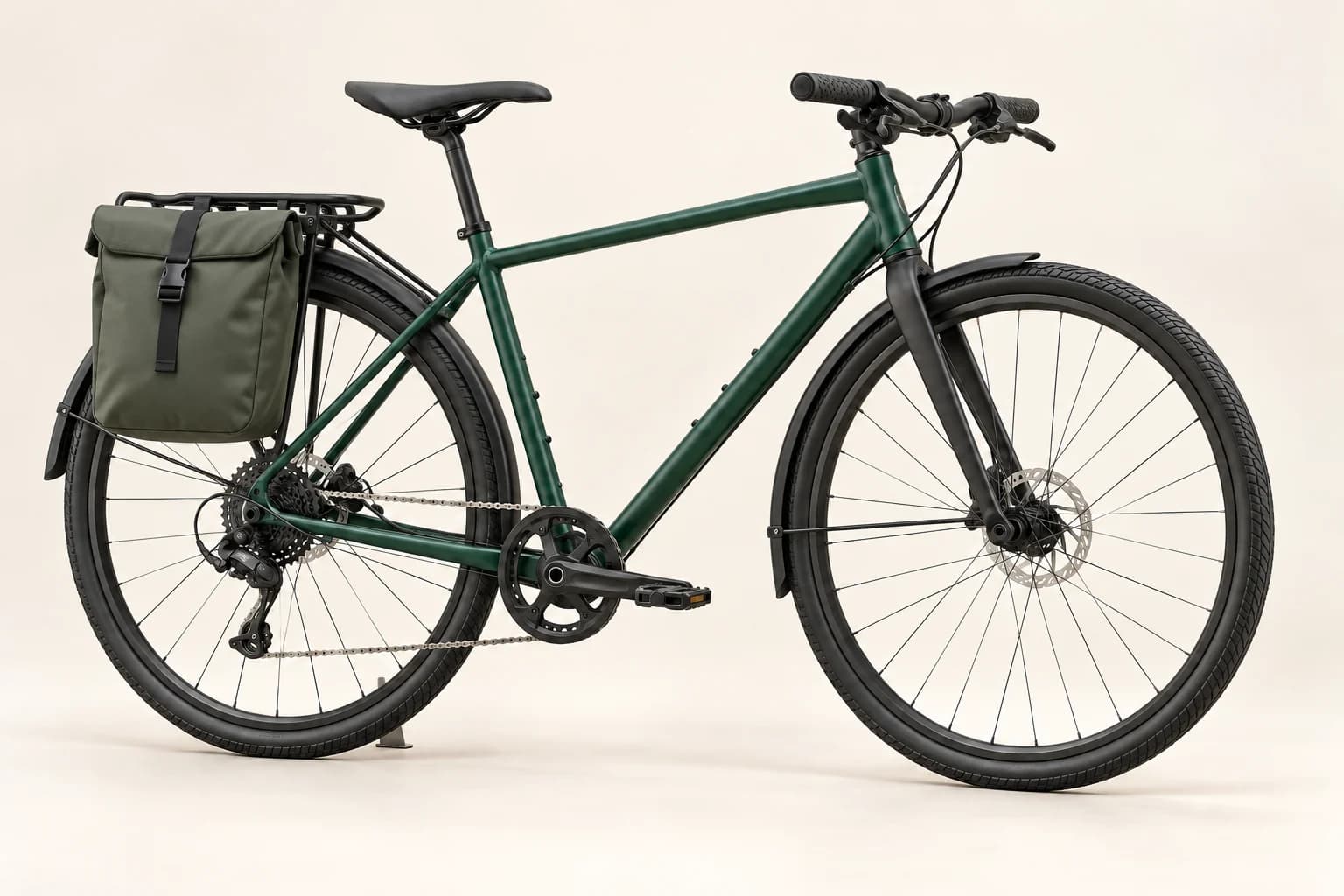
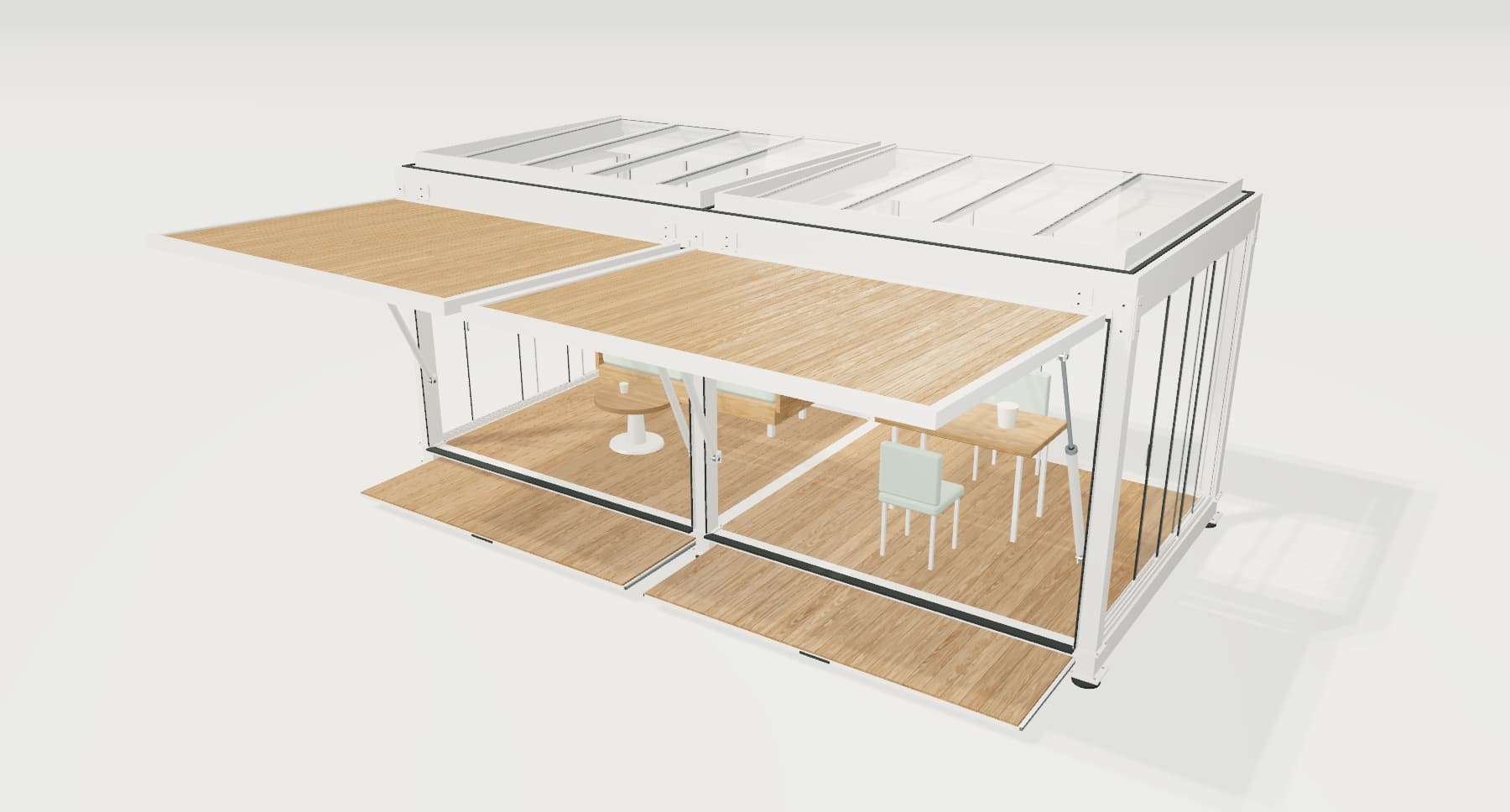
Built around your product
We define dimensions, materials, modules and compatibility rules across product categories.
 TRLet’s talk
Bring product selection, customisation and quoting together in AI-assisted 3D experiences built for your brand.
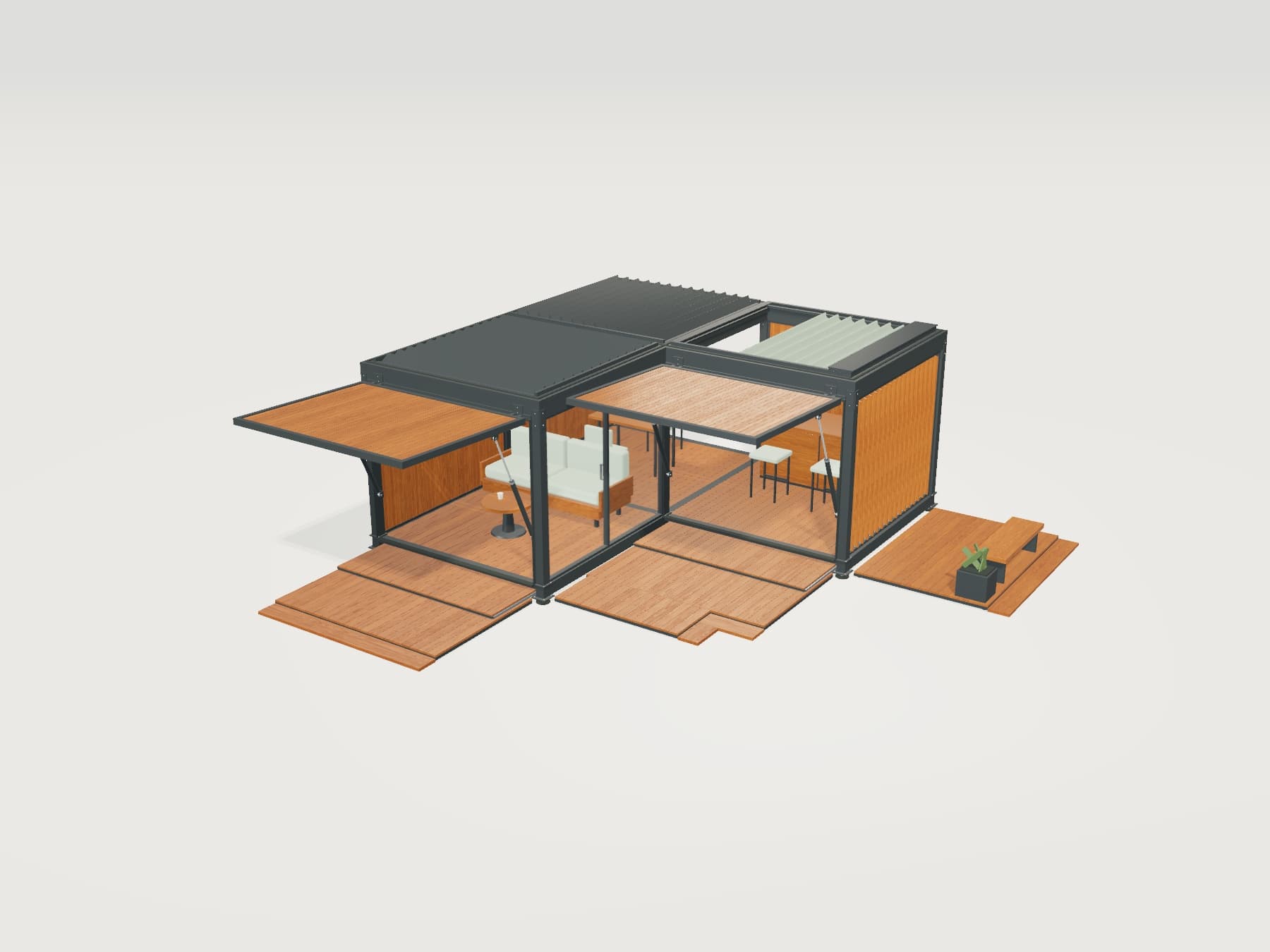 VISCORE · INTERACTIVE DEMO
The 3D experience loads when you start it.
Choose an example. Explore modules, materials and movement.
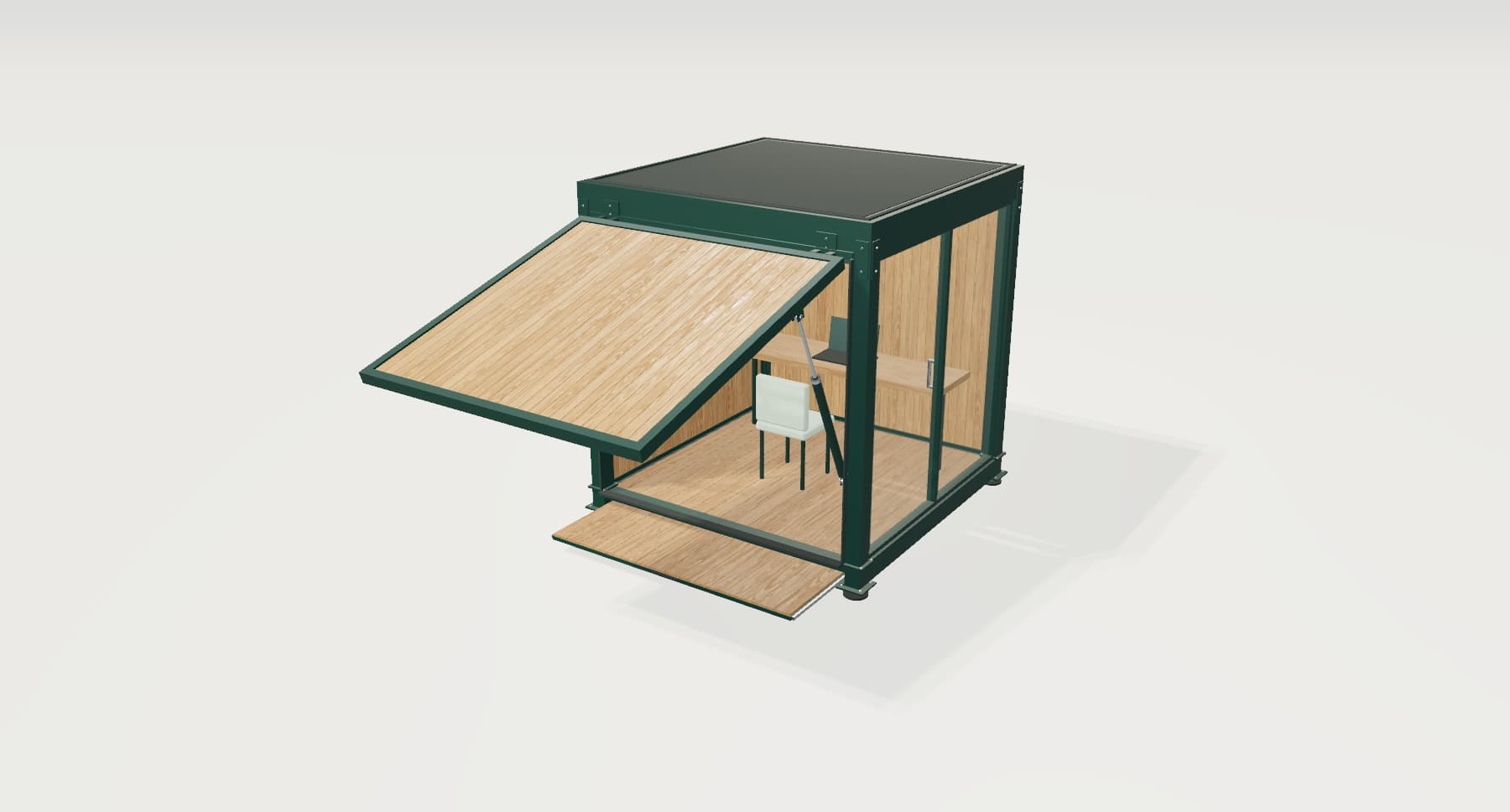
Three modules · Louvres and canopy · Garden terrace
We build this experience around your product’s options and rules.
Brands we work with
Brands move automatically. Hover over or focus the strip to pause. Use the left and right arrow keys to browse. Use Home for the first brand and End for the last.







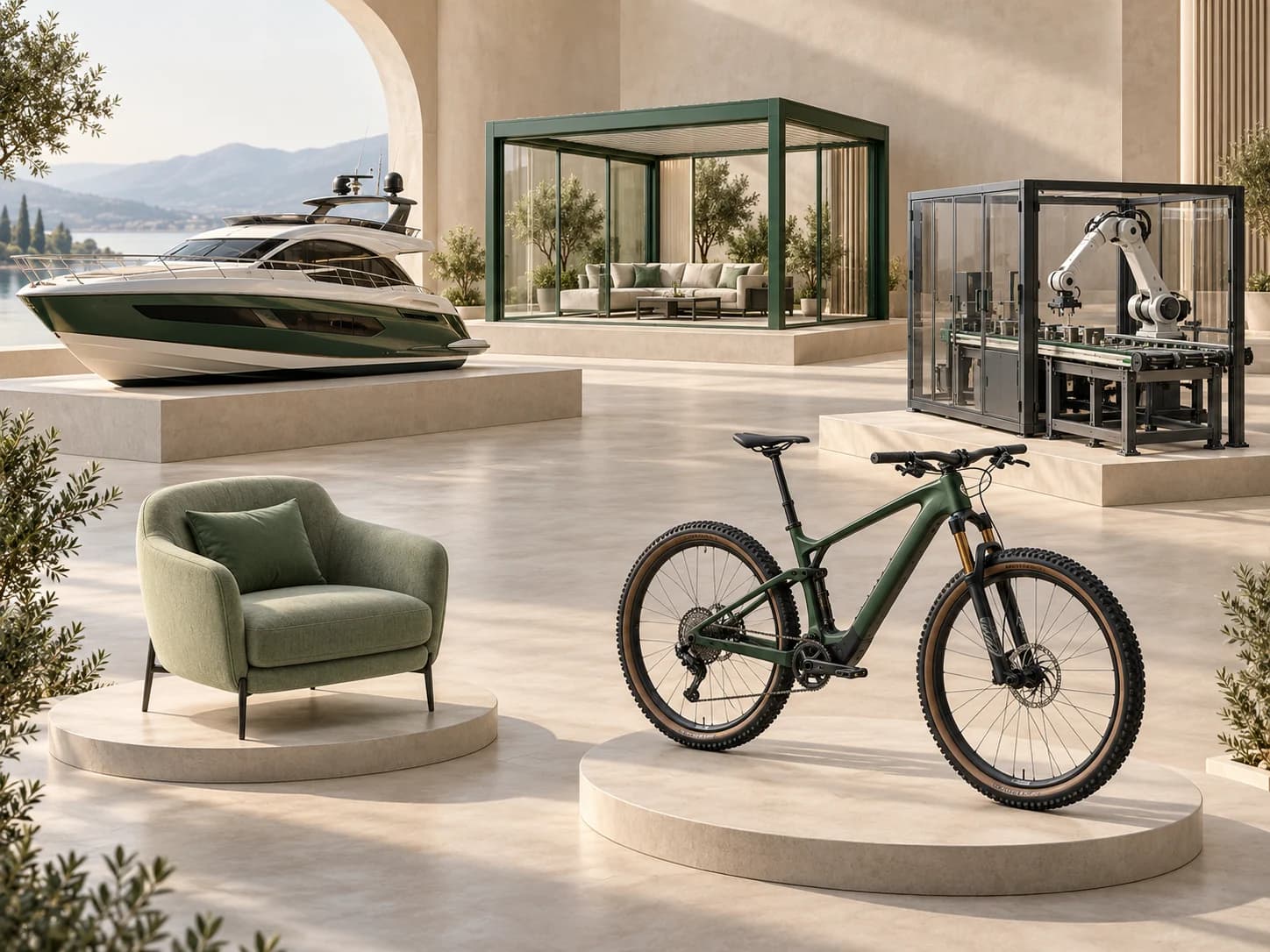
We develop your configurator around your product, brand and sales process.
 360° product experience
We define dimensions, materials, modules and compatibility rules across product categories.
We adapt the interface and user journey to your brand and integrate it into your website.
We connect product selection to pricing and quotes, with artificial intelligence support tailored to your needs.
Features tailored to your project, from product viewing to quoting.
Explore products from every angle. Zoom in to see materials and surface details.
Go to the interactive demo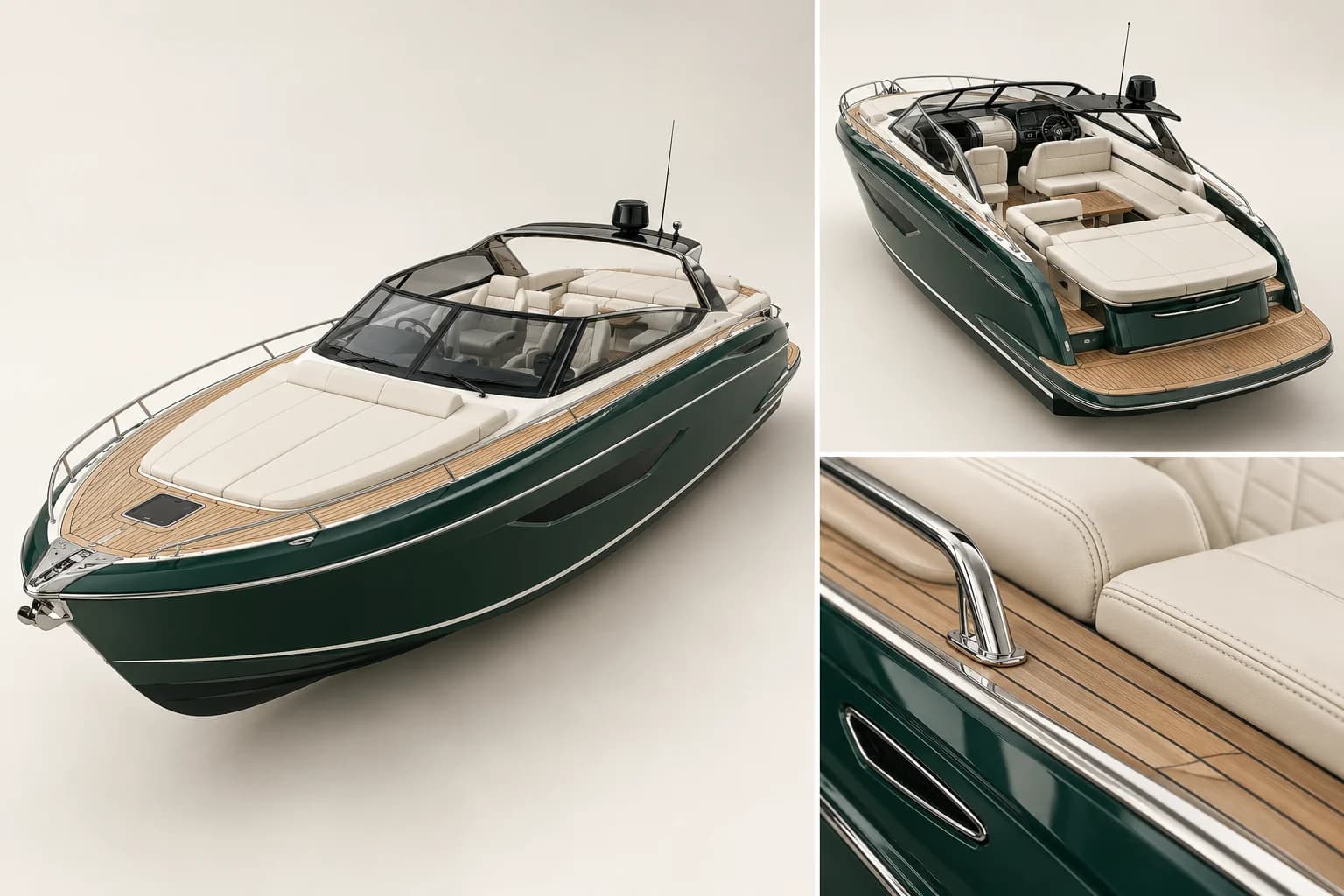
Change colours, materials, dimensions and modules within your product rules. See the result in 3D instantly.
Explore this feature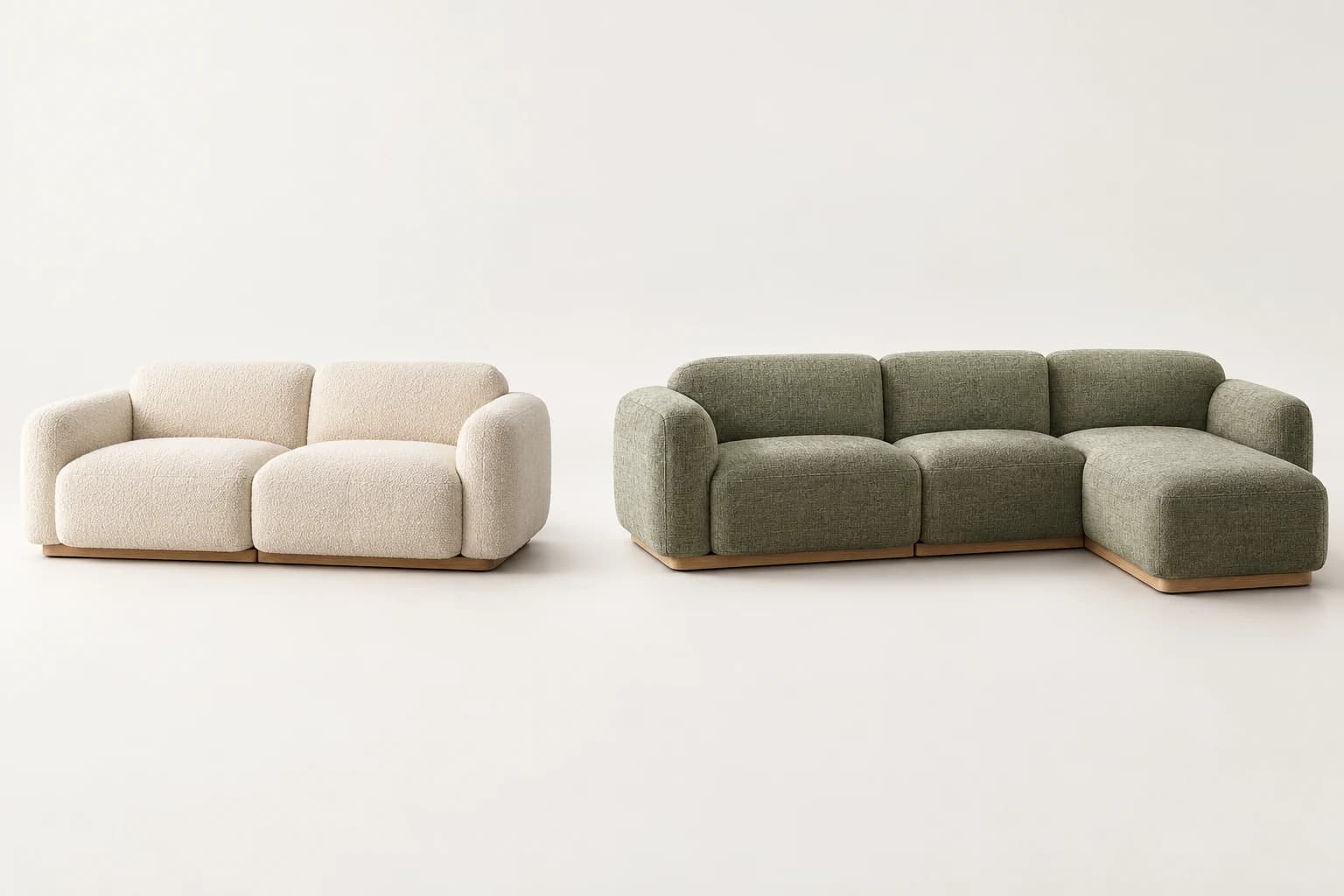
Use CPQ to calculate prices from selected options and prepare quotes that match the configuration.
Explore this feature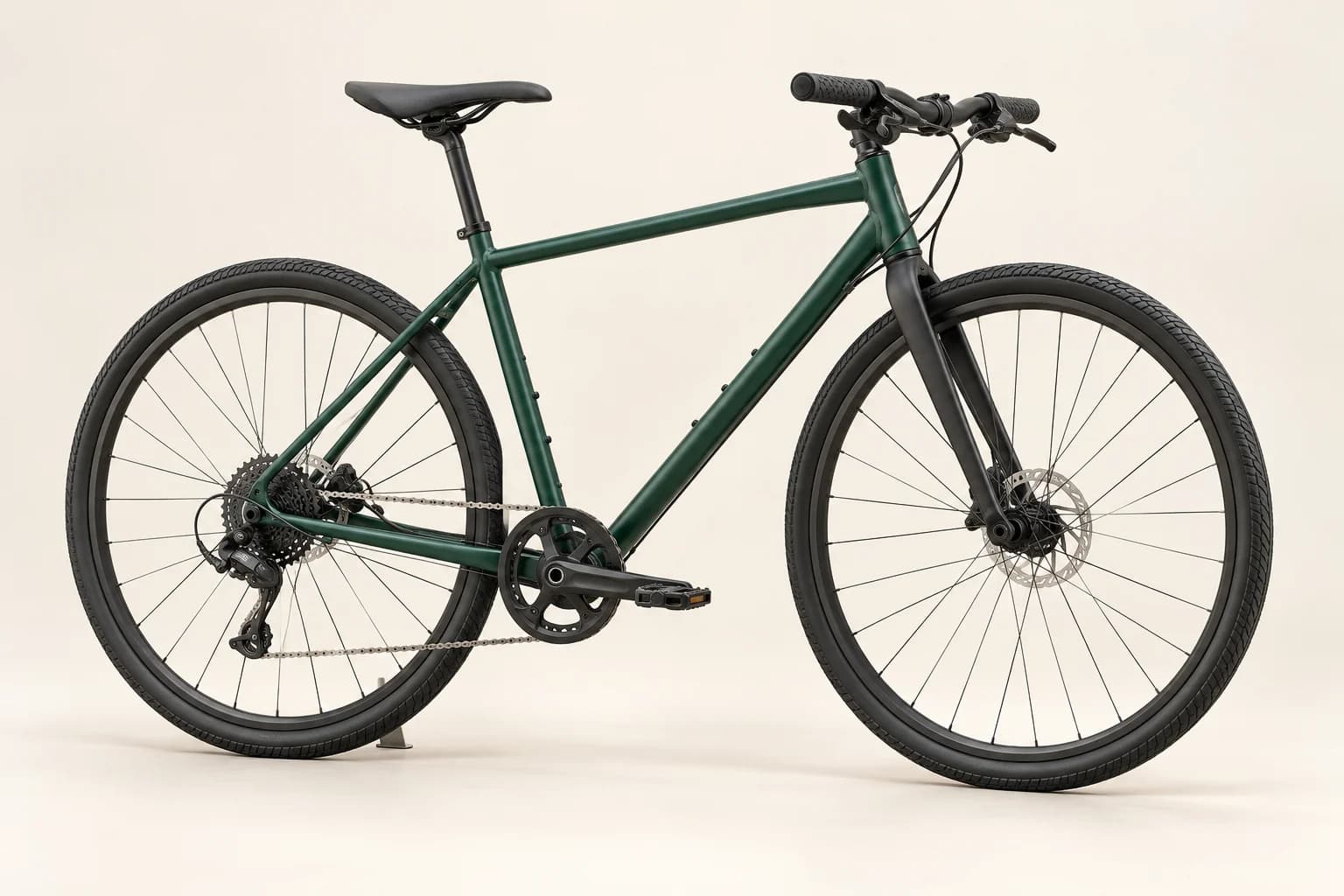
Standard, Quantity: 1. Total: $54,000
Guide product selection through conversation. Apply requested changes to the configurator.
Explore this feature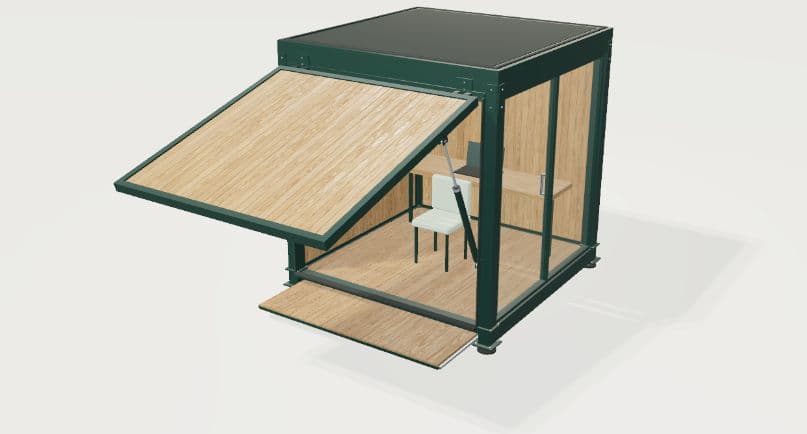
Choose a command and inspect the change in 3D.
Drag to rotate; pinch to zoom. Keyboard: arrows and + / −.
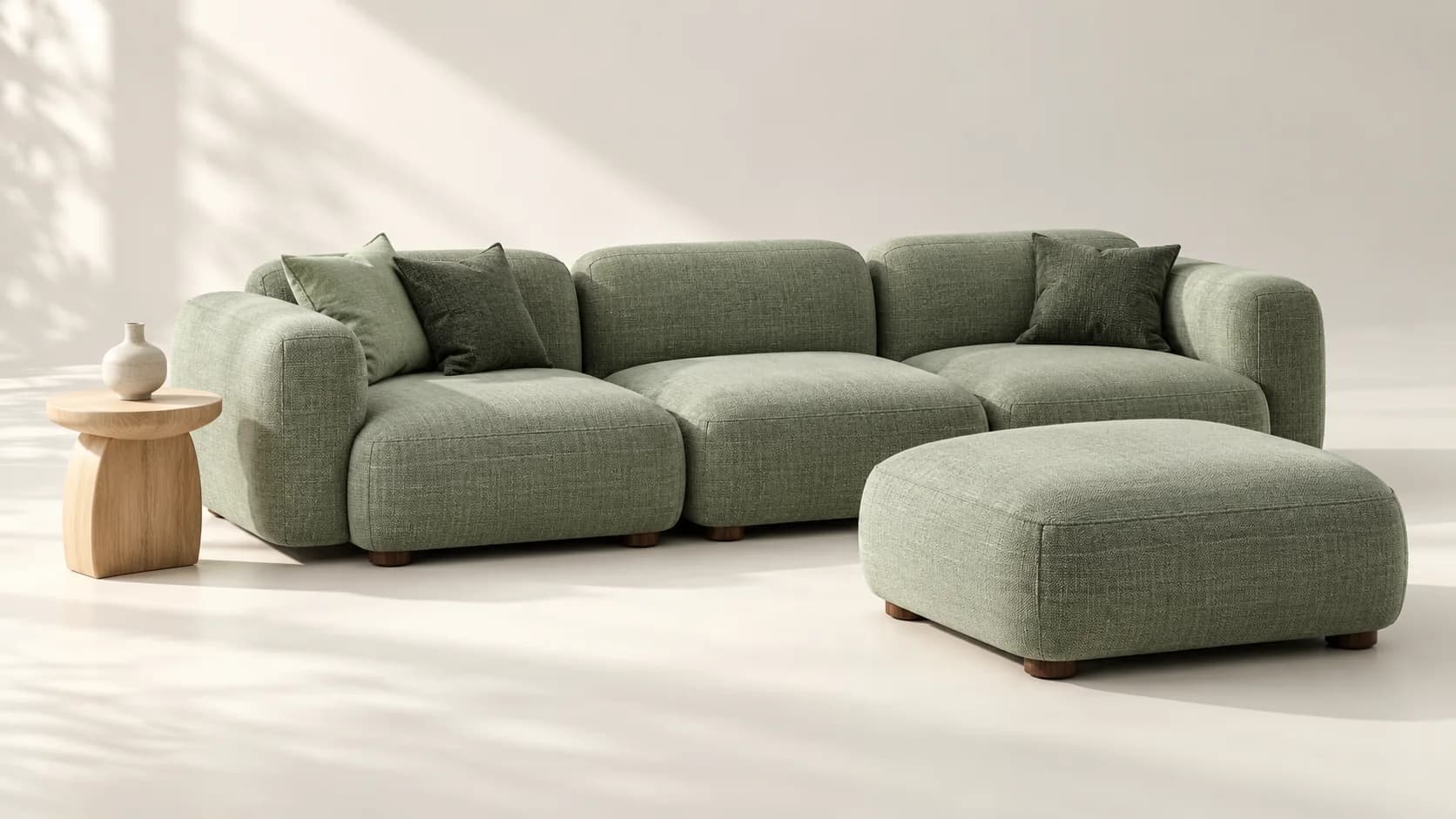
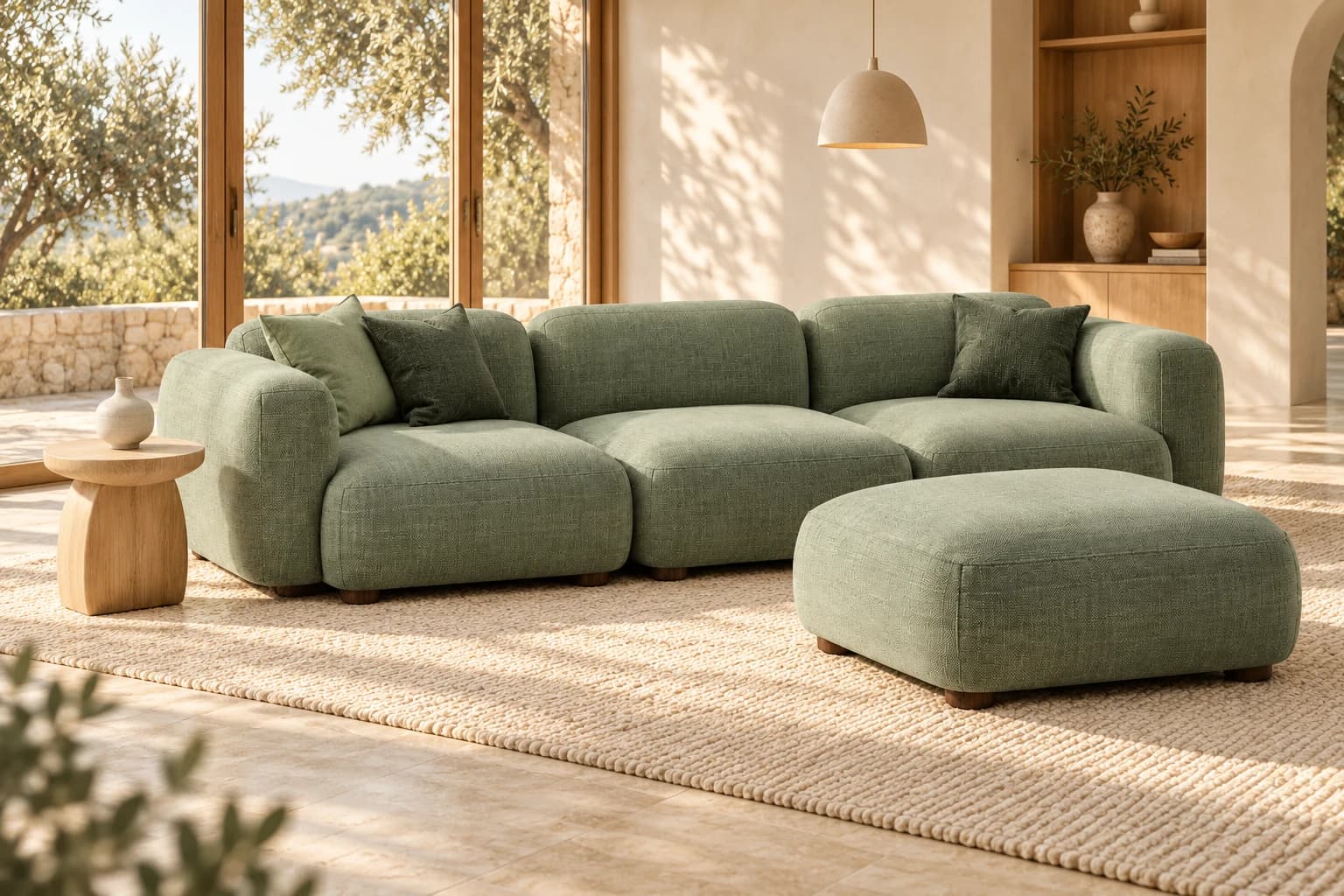
Use AI render to visualise the selected product in different environments and scenes.
Explore this feature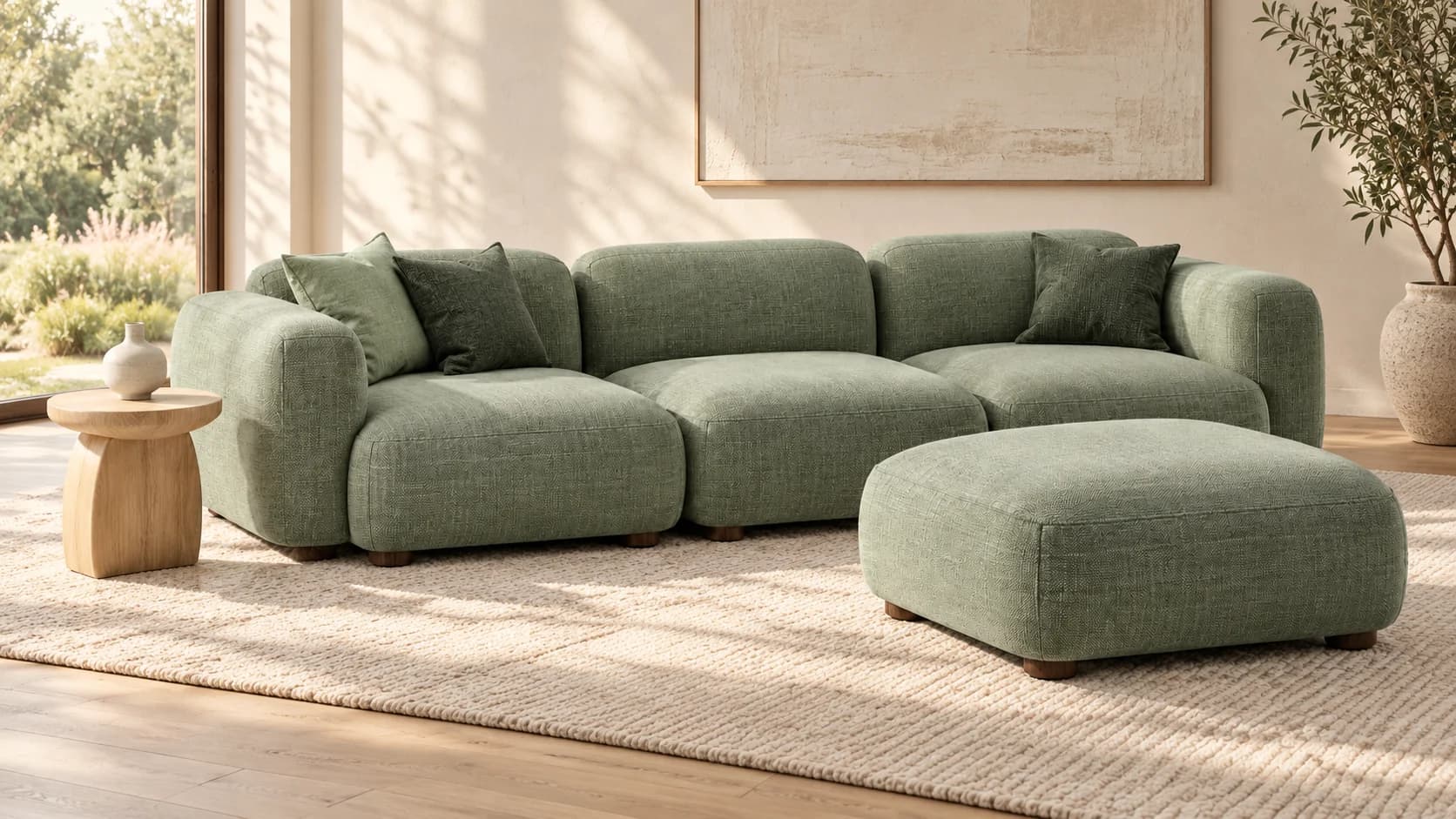
Sage · Sofa and ottoman
Use white label to adapt the configurator’s appearance and user journey to your brand.
Explore this featureOne product. Two brand experiences.
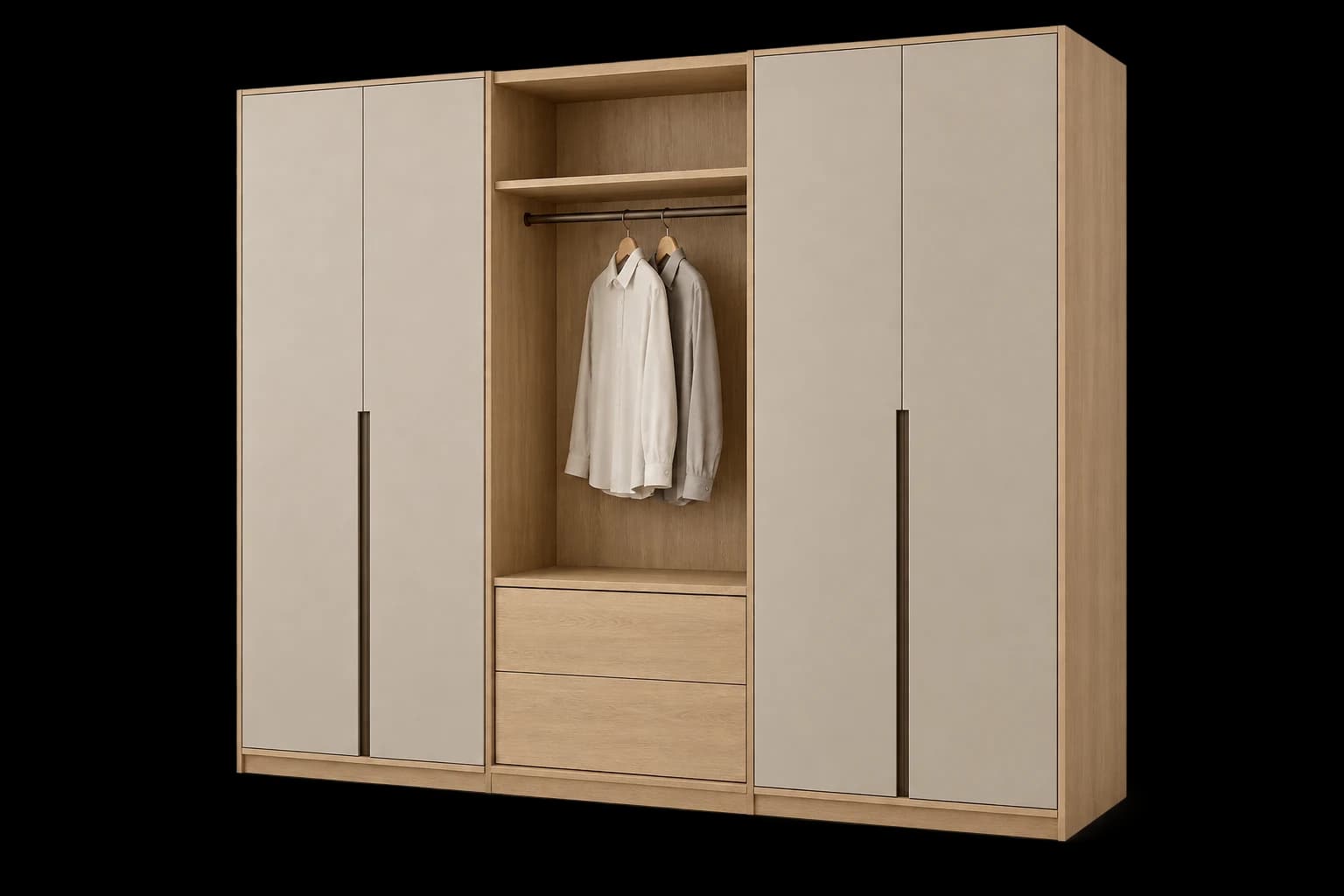
Your logo, colours and typography.
Selected configurators, planners and 3D experiences for different product groups.
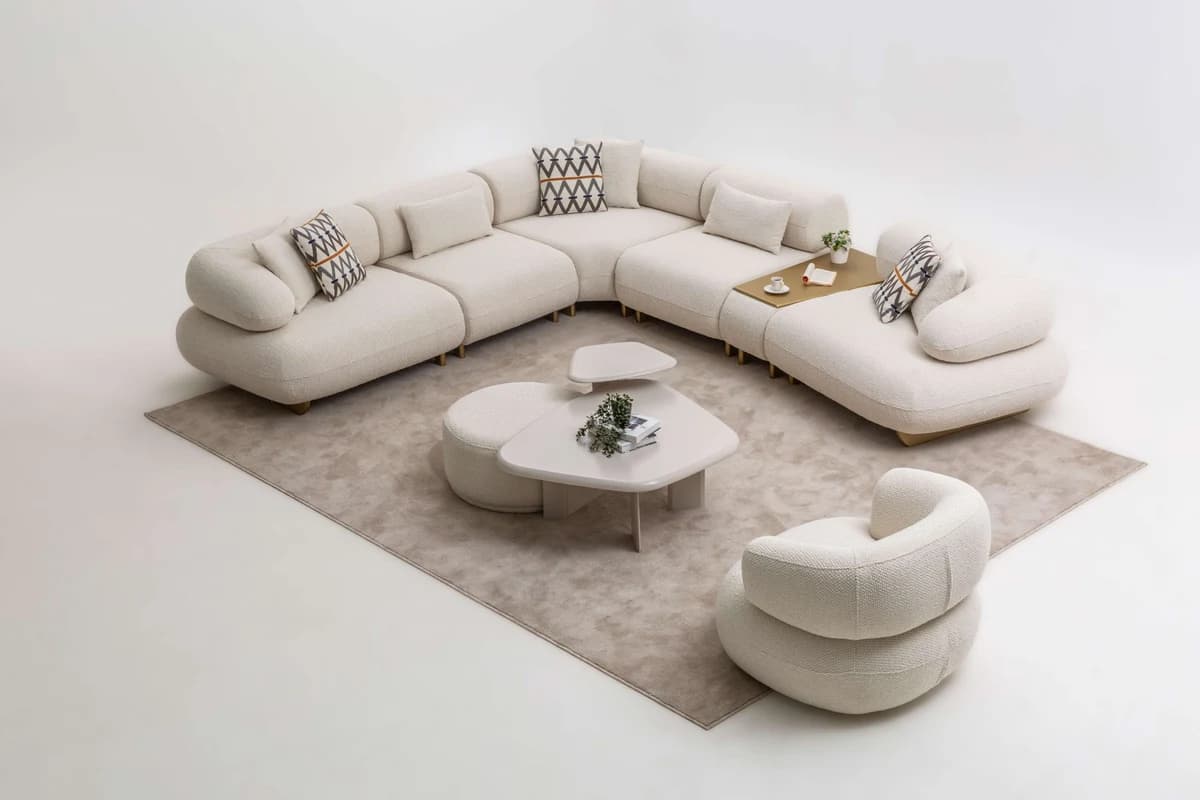
Twinslife
3D product experiences for a range of sofa collections.
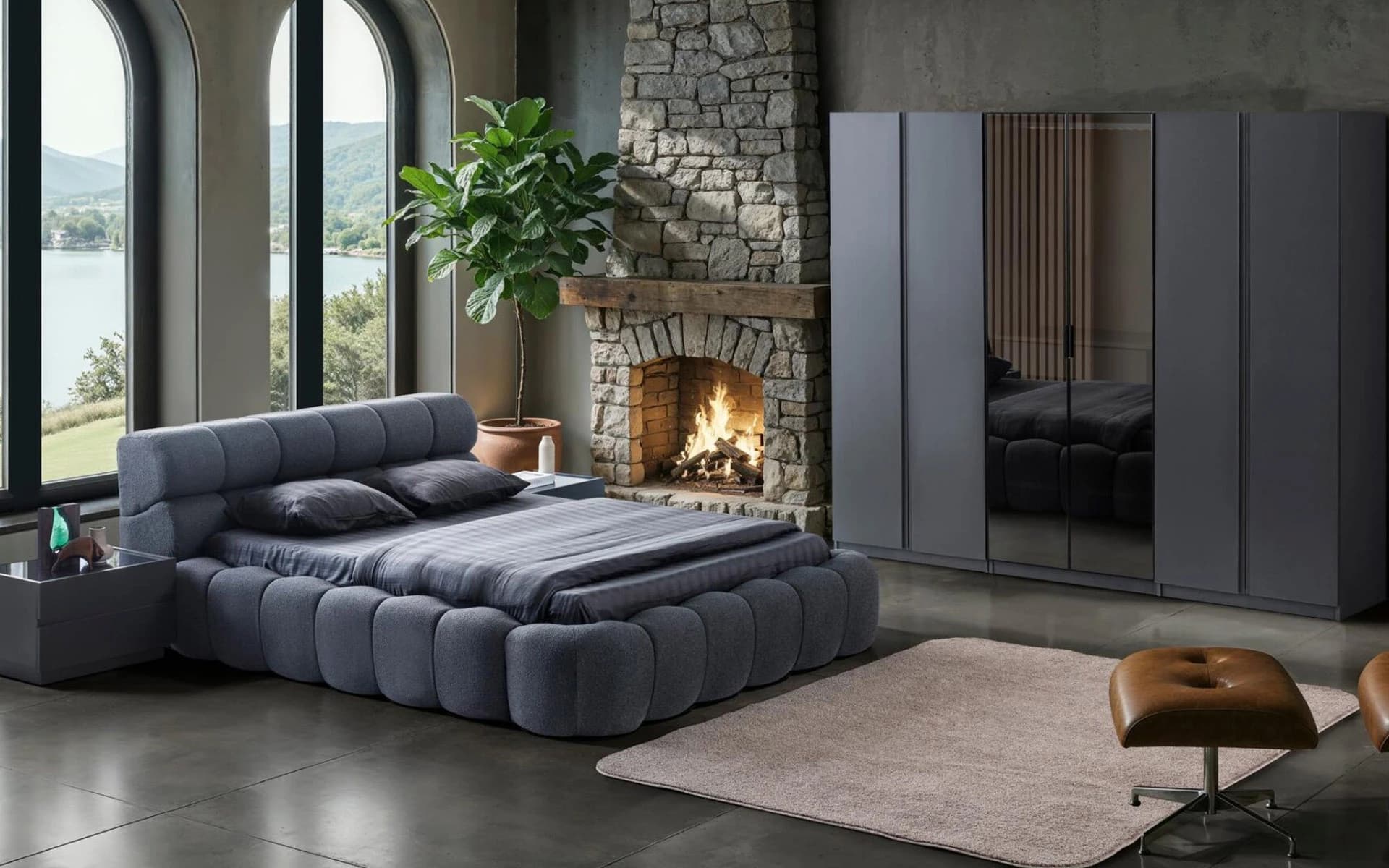
Eyfel Home
An experience connecting modular wardrobes and bedroom products with 2D/3D room planning.
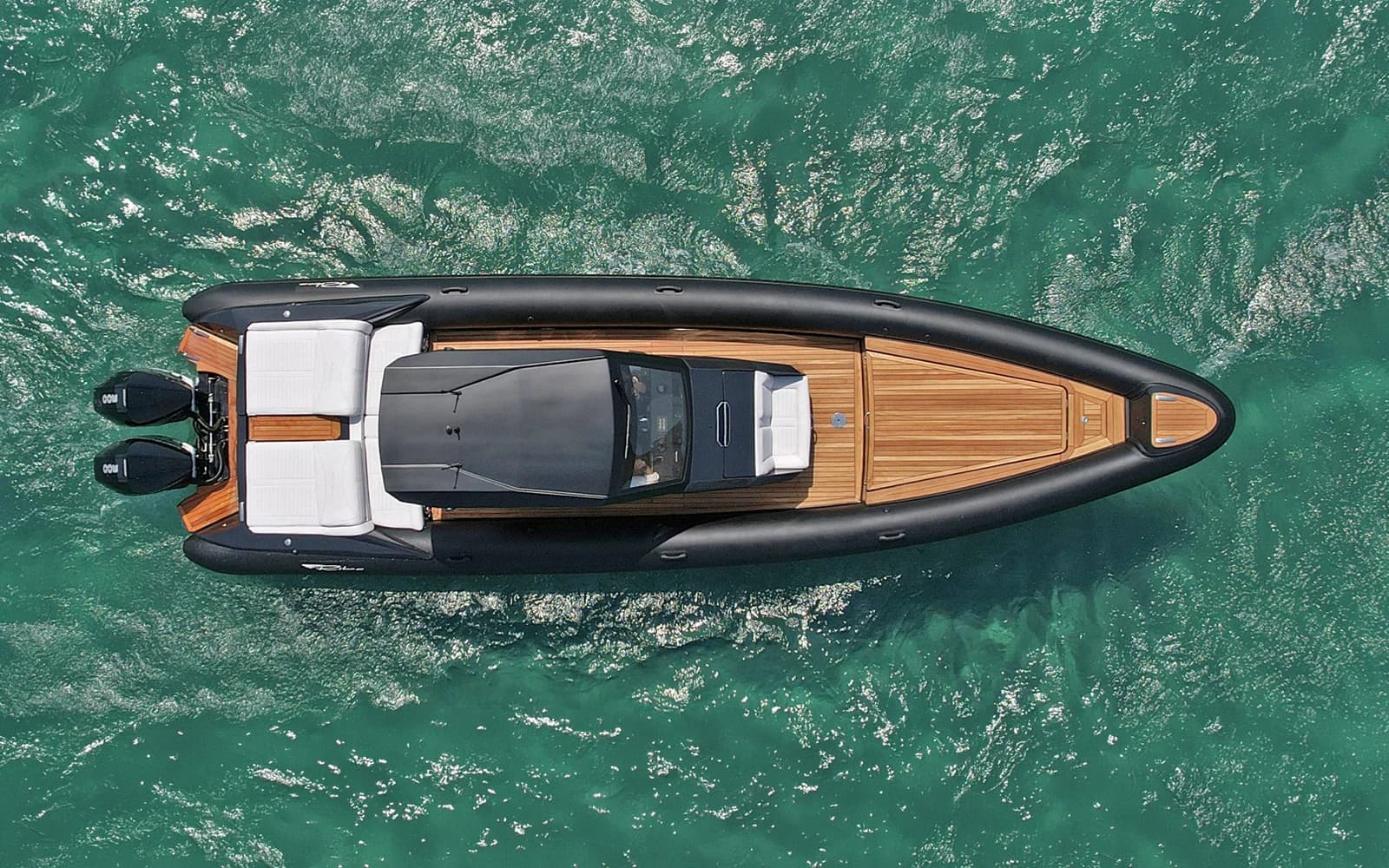
Ribco
Dedicated 3D boat experiences for the T, Seafarer and Venom series.
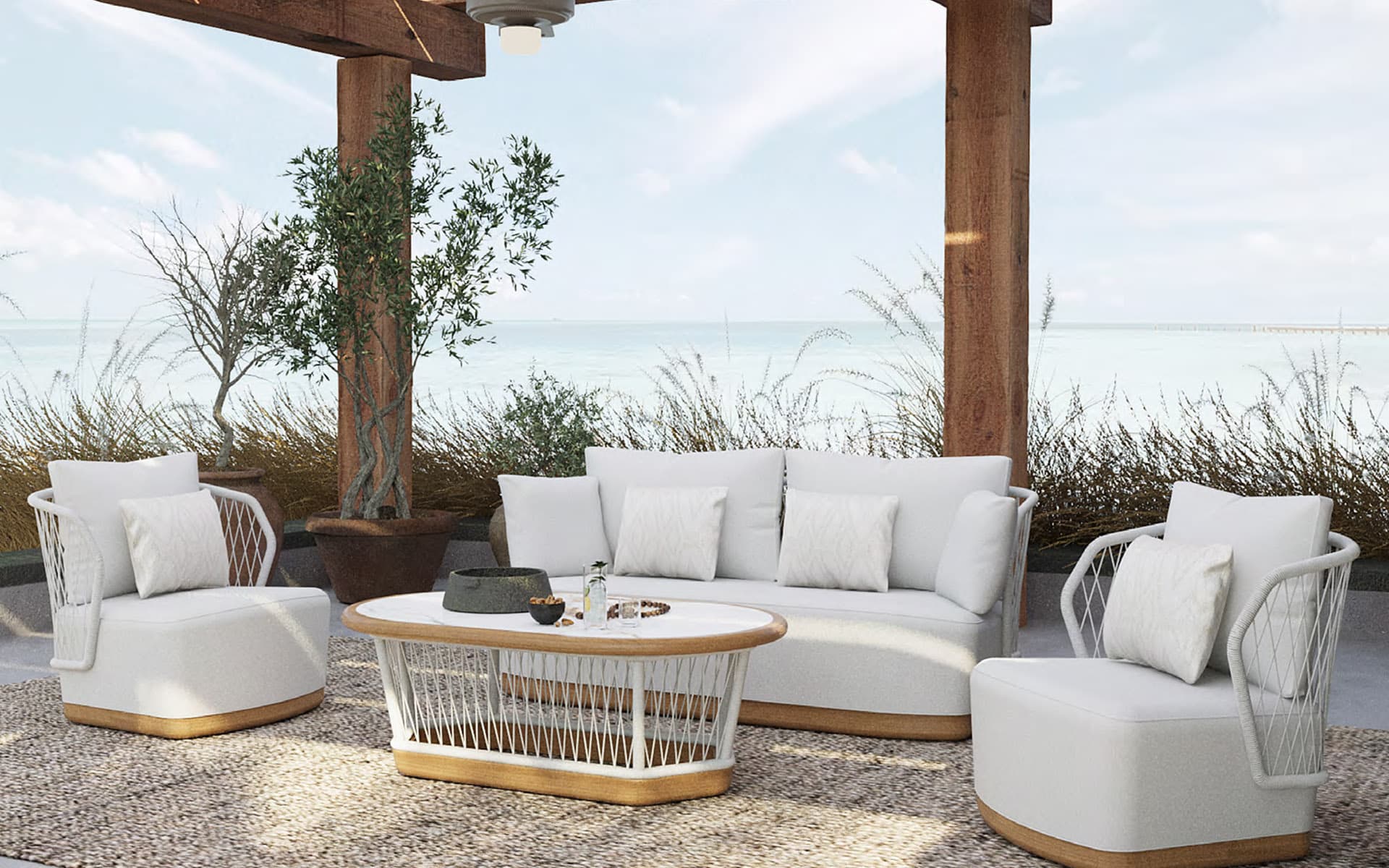
Sette Garden
An experience connecting collection, product and colour choices with 2D/3D outdoor planning.
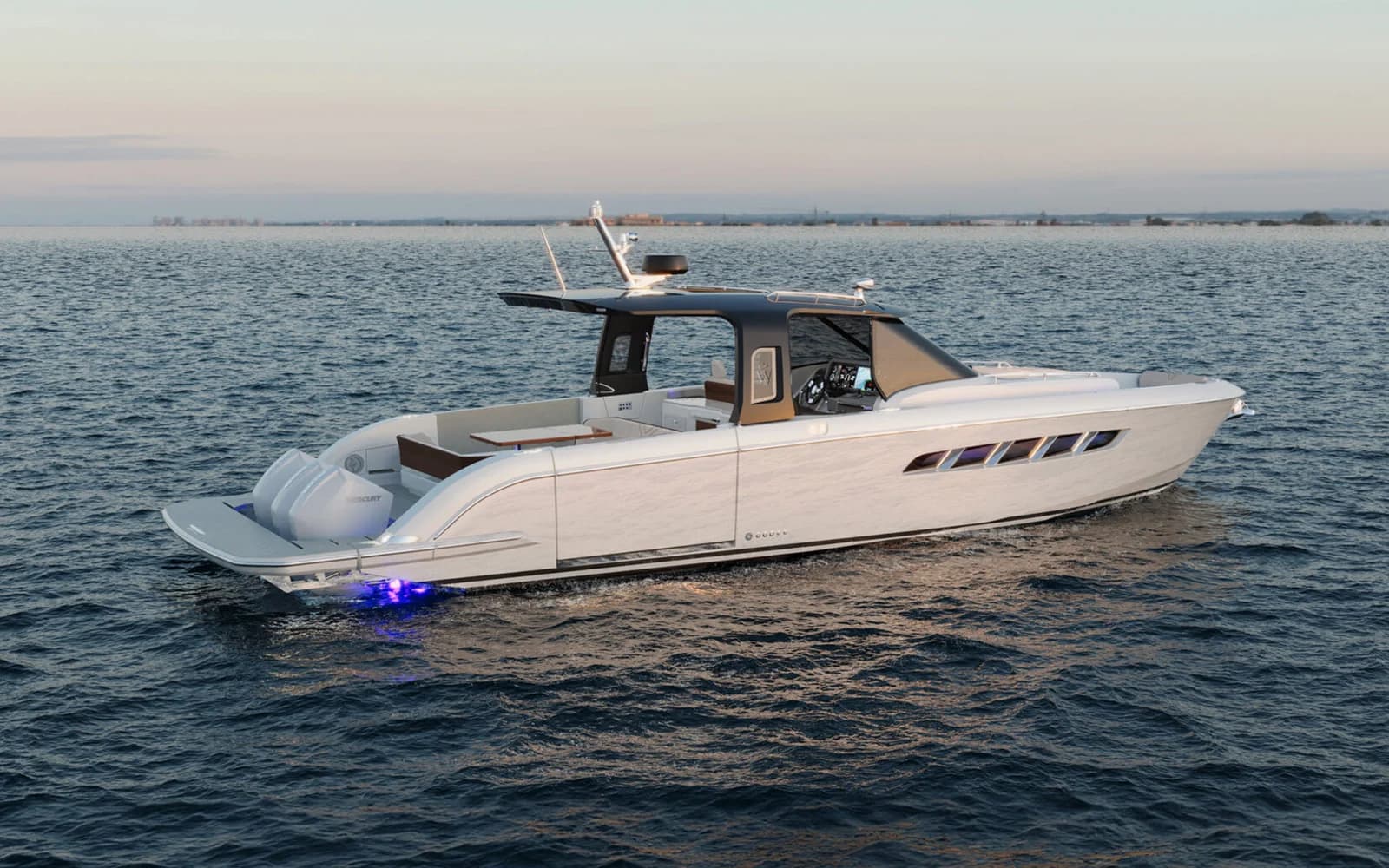
Wiszniewski Yachts
A yacht experience connecting materials and equipment with pricing and quote requests.
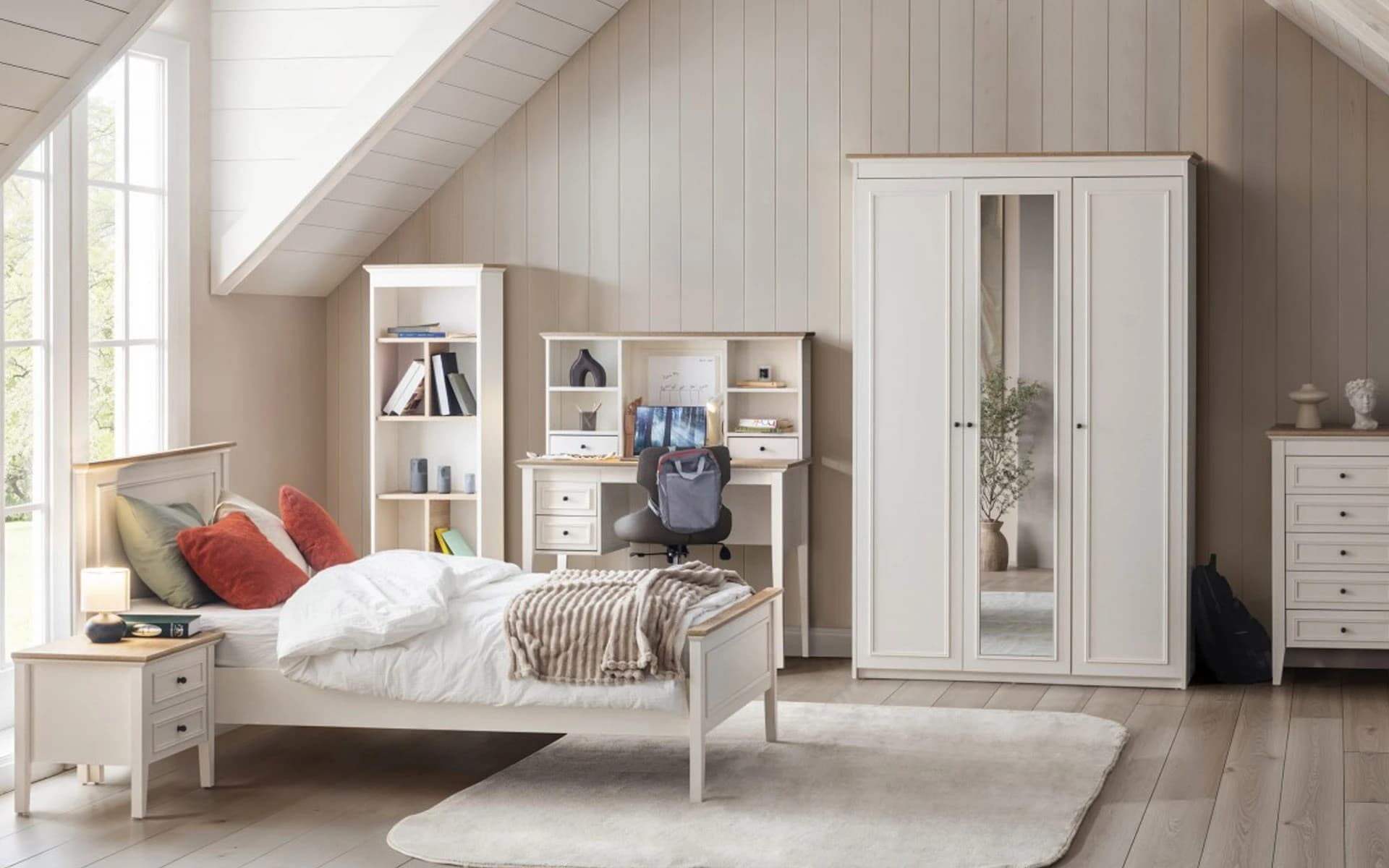
Seven Kids
A 2D/3D planning experience bringing furniture from 12 collections into the same room.
Customers configure a product, see its price and send their selections to your sales team.
Your sales team starts the conversation with the selected product, dimensions and materials.
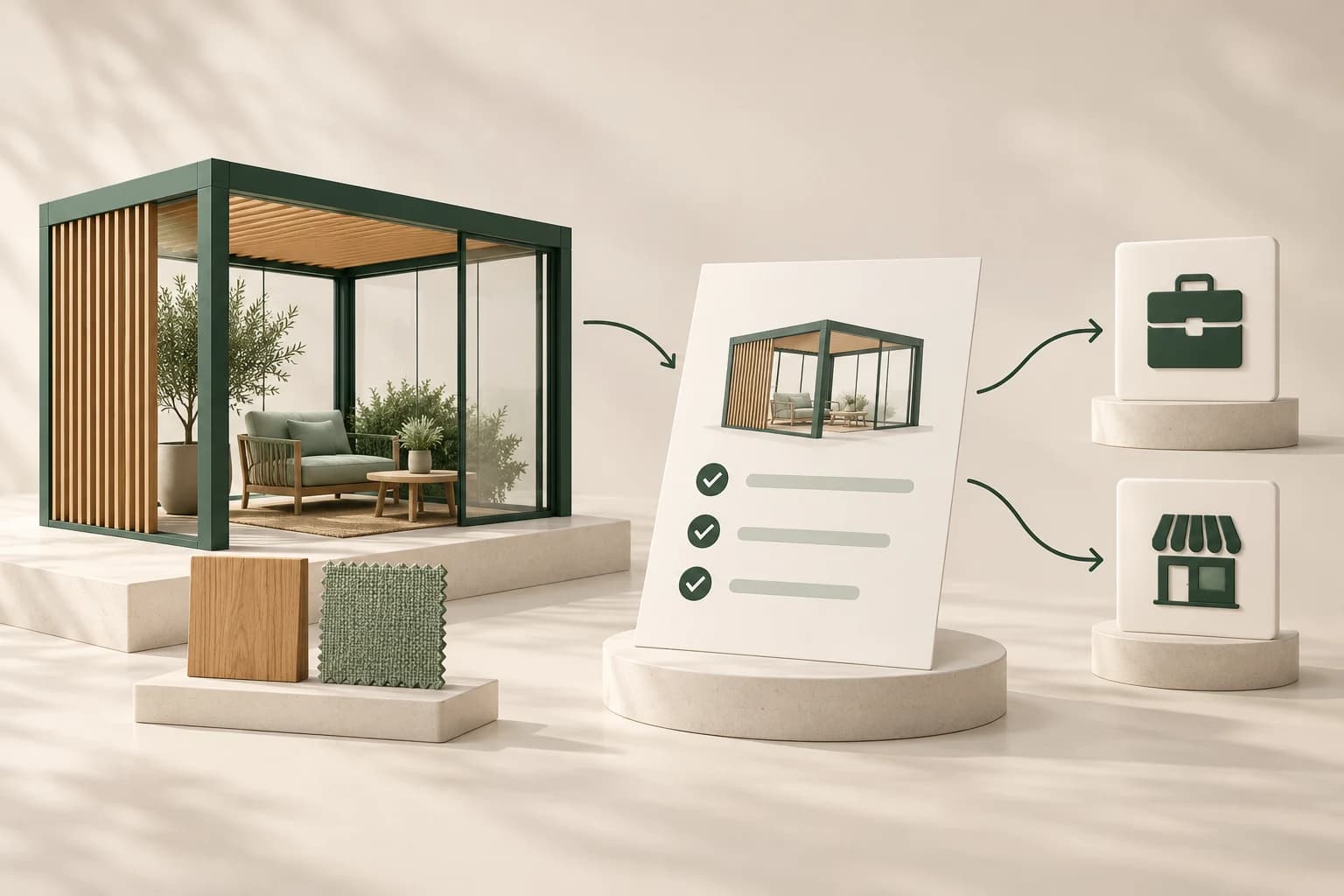
Customers view the product in 3D and discover its details.
They choose dimensions, materials and modules to suit their needs.
They see the price calculated from their selections.
They send their product preferences to your sales team.
Integrations
Connect product selections and quote details to the systems you already use.
Explore integrationsProduct selections and quote details
Connect selected products and options to your store’s cart, ordering and quote workflows.


 Magento
 BigCommerce
Send customer enquiries to your sales team or dealer with the selected product configuration.




Match product, pricing and customer information with your existing business systems.

 Dynamics 365


Platforms are examples; connections depend on your systems and project needs. Ordering and payment run through your e-commerce system.
Published case studies of 3D product experiences and digital quoting workflows.
40%
Reported increase in order conversion compared with the previous quarter in a project offering 3D and AR product viewing.
5%
Reported reduction in the return rate in the same project, where customers could assess product size using 3D and AR.
30%
Reported increase in average order value in an in-store visual configuration project.
65%
Reported reduction in the time needed to prepare product quotes in a manufacturing project using CPQ.
Figures are reported results from separate projects. They are not Viscore performance data or a guarantee of results.
KNOWLEDGE CENTRE
Selected practical guides to product data, 3D content, configuration and commercial workflows.
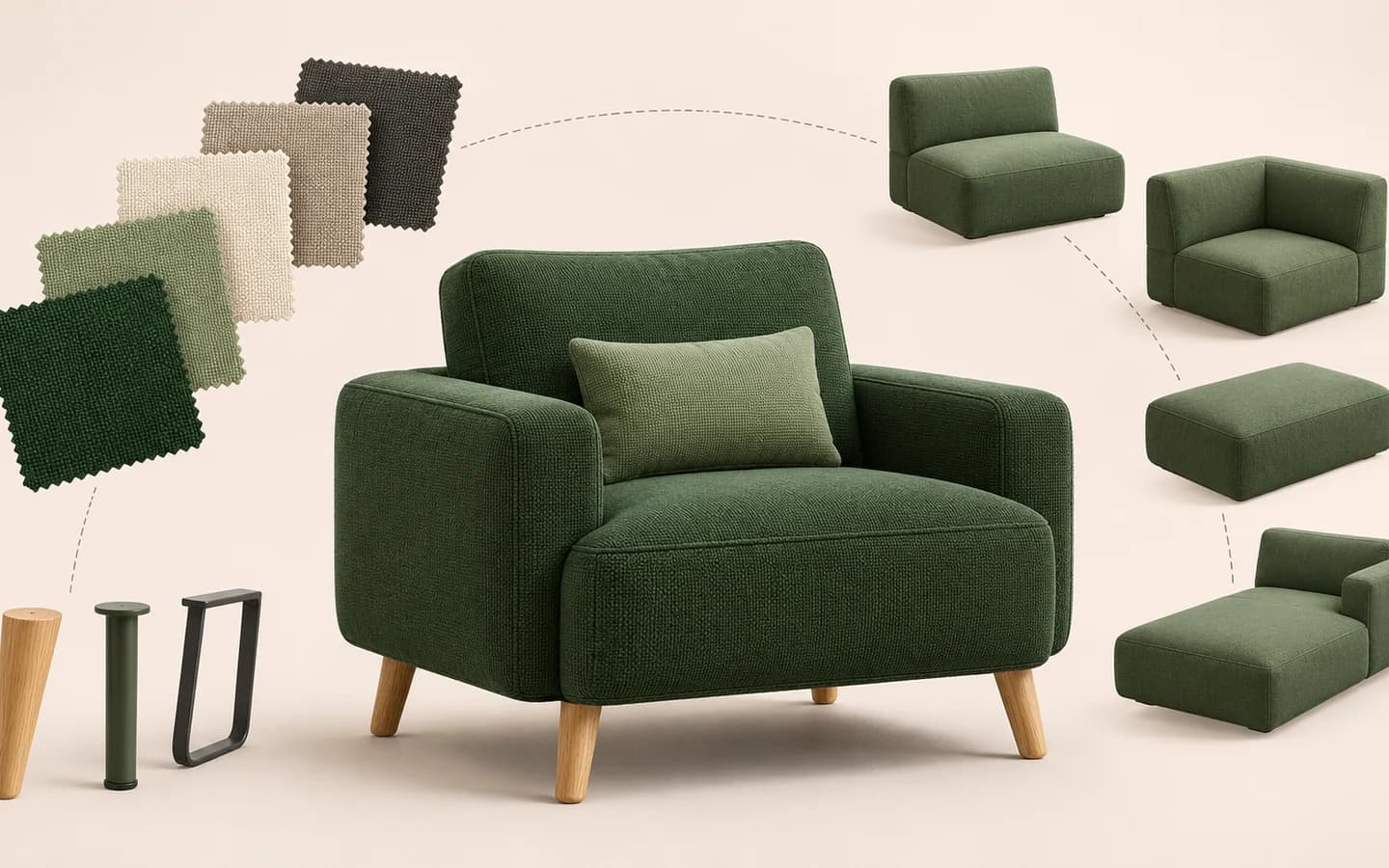
Learn how a 3D product configurator works, which products it suits and what product data and content a project needs.
Read the guide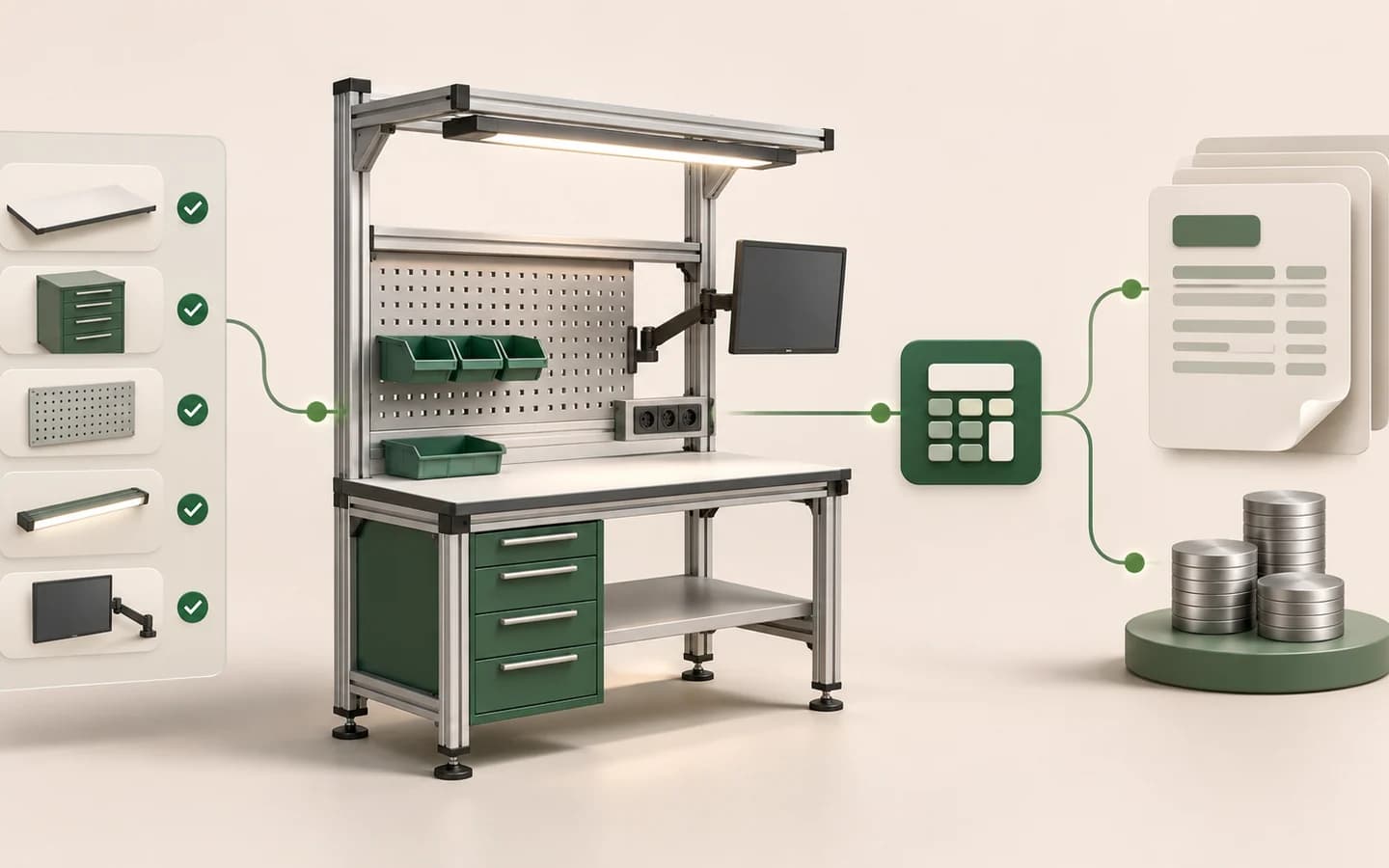
Understand the difference between 3D product configuration and Configure, Price, Quote (CPQ), and how the two layers work together.
Read the guide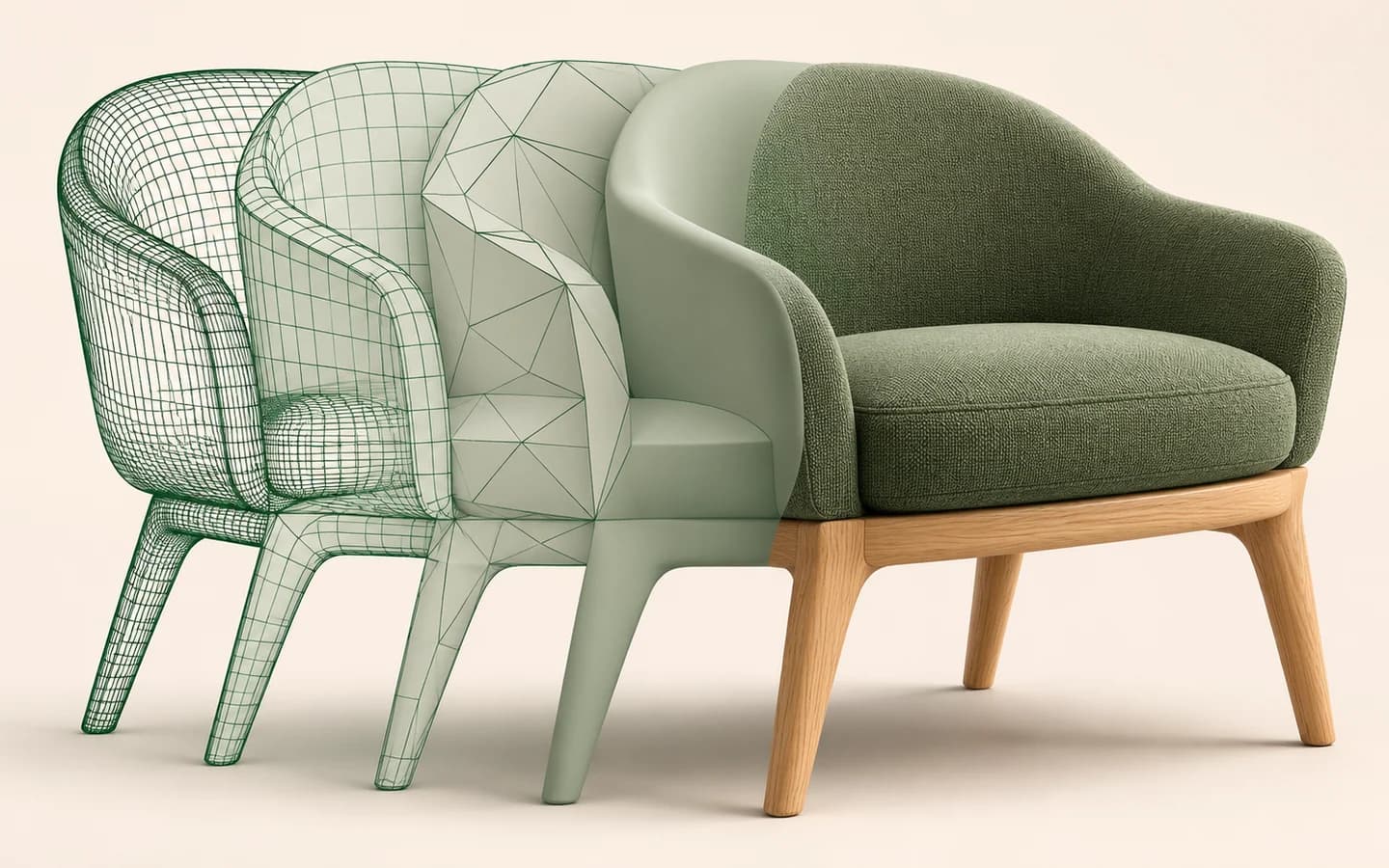
Review part structure, geometry, materials, scale, optimisation and validation when preparing CAD and 3D models for a web configurator.
Read the guidePROJECT DELIVERY
We define your requirements together, build your configurator and support it after launch.
We define product options, requirements and project scope together.
We plan the interface, 3D content and user journey.
We implement product rules, pricing and the required system connections.
We test selections and device compatibility before launch.
We keep the configurator current and extend it with new products and options.
Development cost depends on product complexity, 3D content and integration needs. Maintenance and support are scoped separately.
QUESTIONS
Answers about project scope, development and support.
We build for products with colour, material, dimension, module or component options. From furniture and industrial products to building systems and personalised products, we work with the rules of each project.
We review your 3D models, CAD files or product references together. The scope of web-ready modelling and material preparation is defined at the start of the project.
We develop the experience around your brand and web infrastructure. Mobile use, touch controls and performance on target devices are part of the design and verification process.
Yes. CPQ can match dimensions, materials and options to your pricing rules. We plan the pricing data source and how quotes connect to your sales process together.
AI assistant helps customers choose and manage the configurator through conversation. AI render visualises the selected product in different environments and scenes. Each capability is scoped around your product.
Development scope and timing depend on product count, model preparation, option rules, CPQ/AI and integration needs. Post-launch maintenance and support are planned separately.
CONTACT
Share your product information and requirements. We will define the development scope and suitable solution together.
[email protected]You can also email us directly.