
Machinery and automation
Processing modules, robot cells, control units and equipment packages.
 TRLet’s talk
Show dimensions, components and equipment on the product. Our 3D configurators connect selection and quoting using your technical product rules.
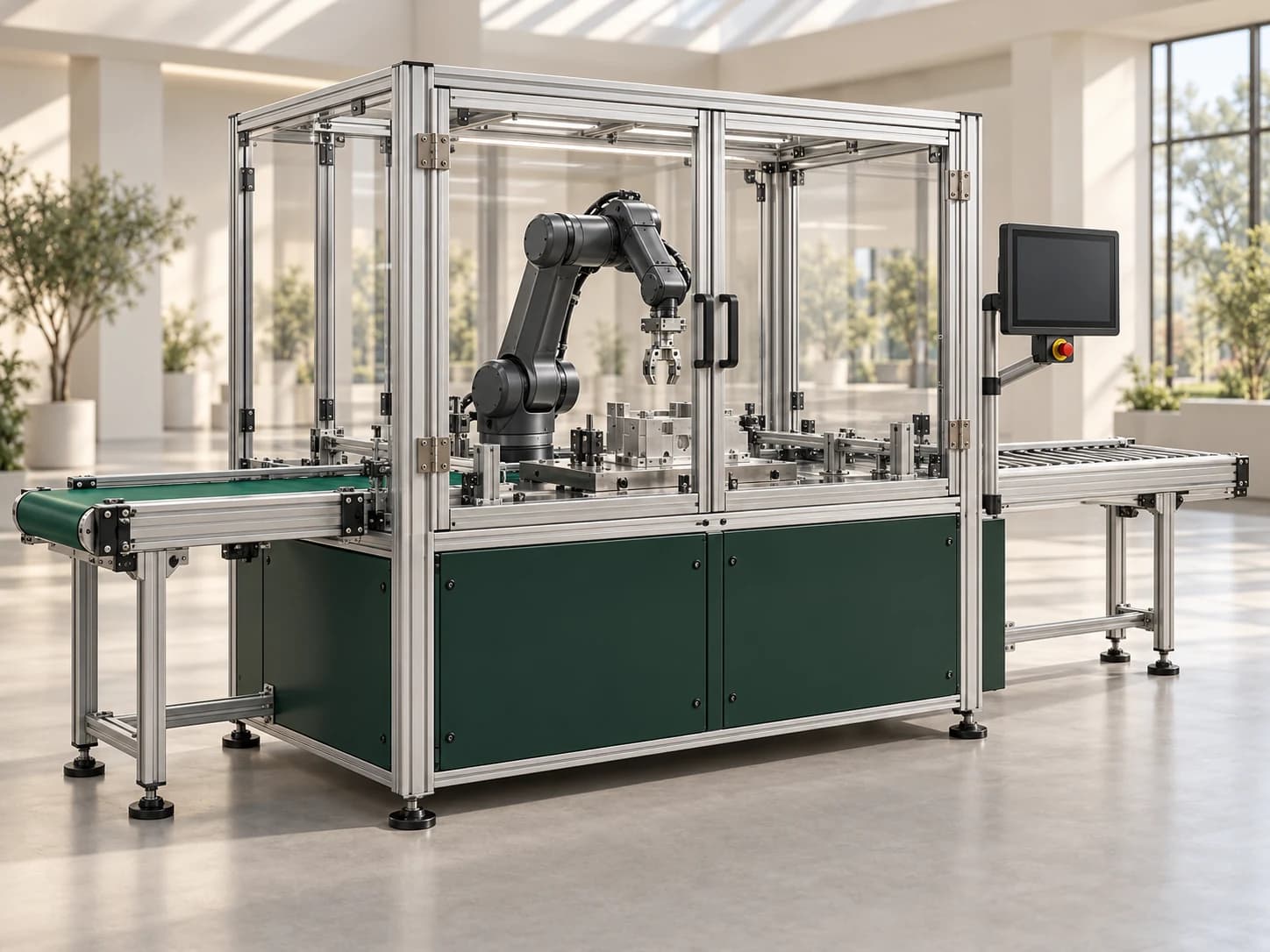





We develop configurators around your product range, technical options and sales model.
Processing modules, robot cells, control units and equipment packages.
Conveyor length, belt width, direction, drives and connecting modules.
Dimensions, profiles, worktops, shelving and accessory combinations.
Model-specific choices for pumps, motors, valves and enclosures.
USE CASE
Consider a system made up of infeed, processing and outfeed modules. Customers can choose the units they need while seeing the system layout and overall dimensions together.
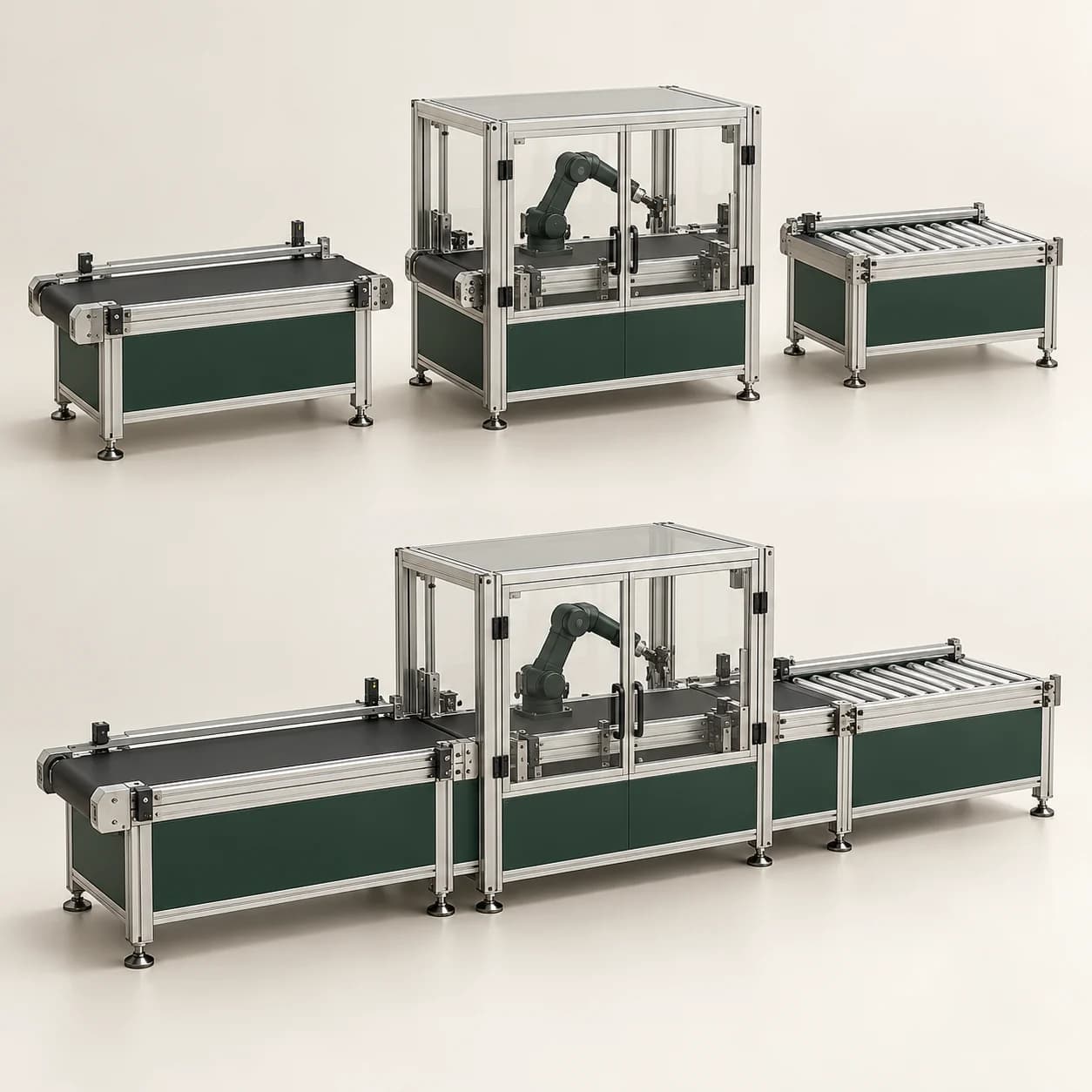
Options are not chosen in isolation. We use your product data to define component dependencies, size limits and combinations that are not available.
Required with this choice
Built from the same selections
Turn the customer’s configuration into a product summary your sales team can evaluate.
Keep the model, dimensions, modules and equipment together in one configuration.
Match selected components to product codes and quantities to form the basis of the quote.
Build quotes from components and packages. Route requests outside standard rules to technical review with the selected product details.
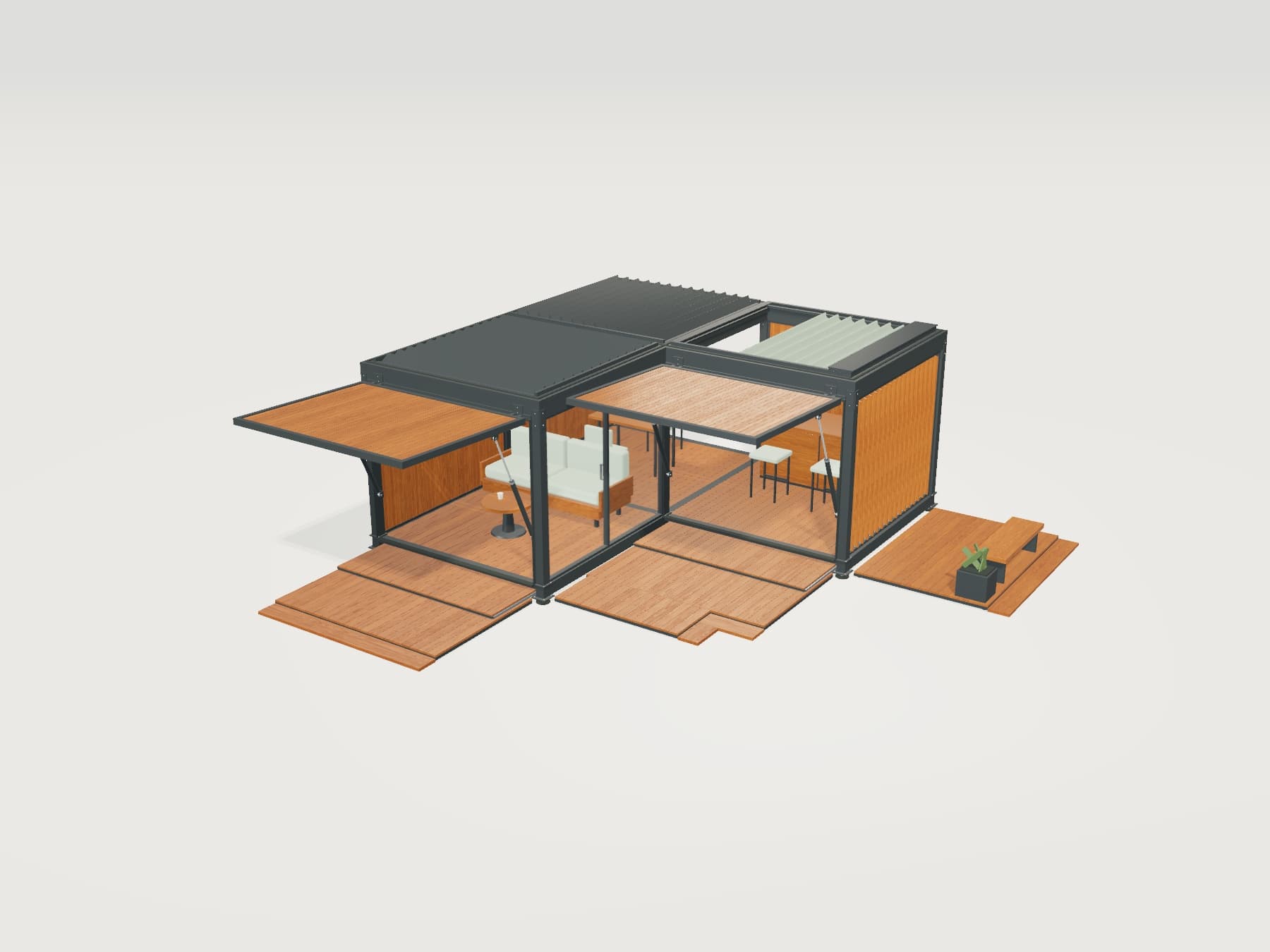
Try 3D inspection, materials and moving parts in our modular pavilion demo. We develop the experience around your own products.
We connect the configurator around your existing processes and data-sharing capabilities.
Present products under your own brand. Customers and sales teams work with the same options.
Transfer selections, product codes and quote requests to standard or custom-built business software.
Update models, technical options and pricing rules as your product portfolio evolves.
Common questions about industrial product projects.
Size limits, component dependencies, required equipment and incompatible options can be defined from your product data. We review rules and exceptions together at the start. Requests requiring specific engineering review can be routed through a sales or technical approval step.
Yes. We review CAD or 3D files and define the models needed for the web experience. Files are optimised for mobile and desktop while retaining component separation and visual detail. Where models are unavailable, modelling can be planned from drawings and photographs.
Yes. We can create a parts list by mapping selections to product codes and quantities. Prices, packages, dealer conditions and the quote template are defined within the project. The level of detail is agreed around your sales and production processes.
Yes. Connections can be made to standard or custom-built ERP, CRM and e-commerce systems. We agree on the data to receive and send according to the system’s API, file exchange or other data-sharing capabilities.
The configurator supports selection and visualisation using defined product rules. Engineering calculations such as structural, flow or motion analysis are evaluated separately. Where needed, the calculation system and its integration can be included in the project scope.
Share your product structure, component list and compatibility tables. Let’s review your CAD files and quotation process together.