

AI Render Show your product in different settings
Create scene images from the selected product configuration. Let customers evaluate their colour, material and equipment choices in an environment suited to the product.
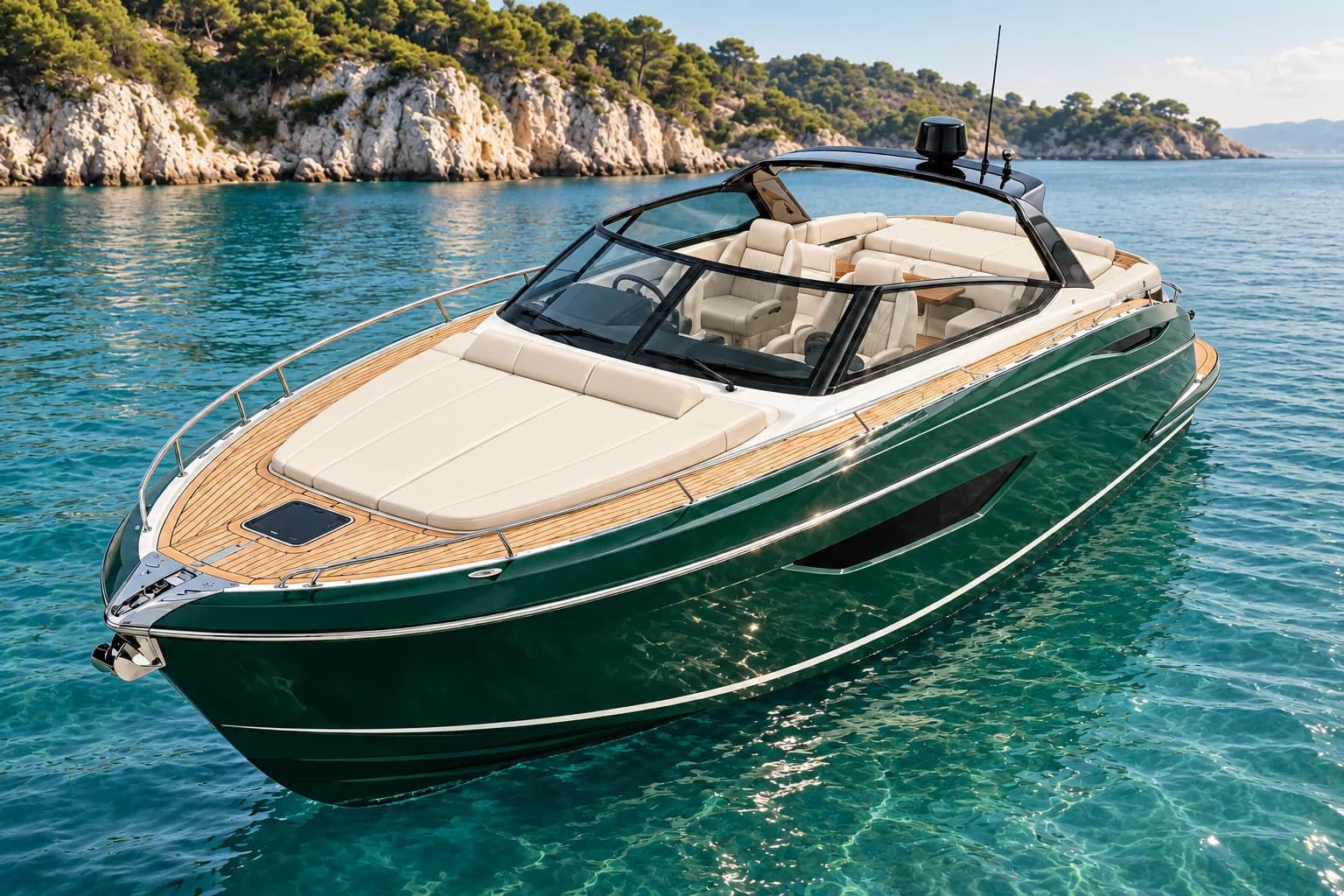
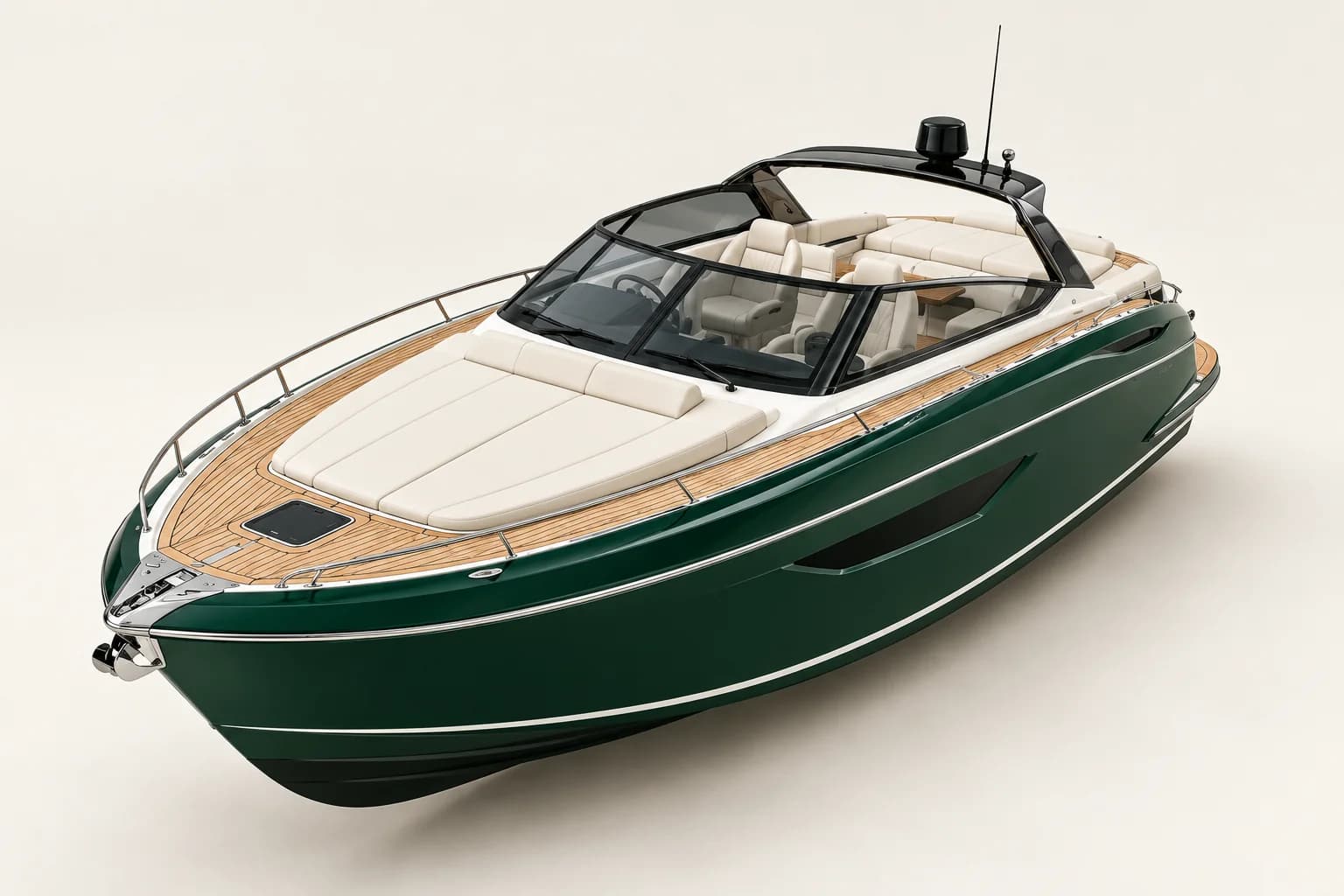 Selected productAI scene
Show the yacht in a calm Mediterranean bay in natural daylight. Preserve the green hull, cream upholstery and teak deck.
Brands we work with





MATERIAL AND SETTING
See your choices in context
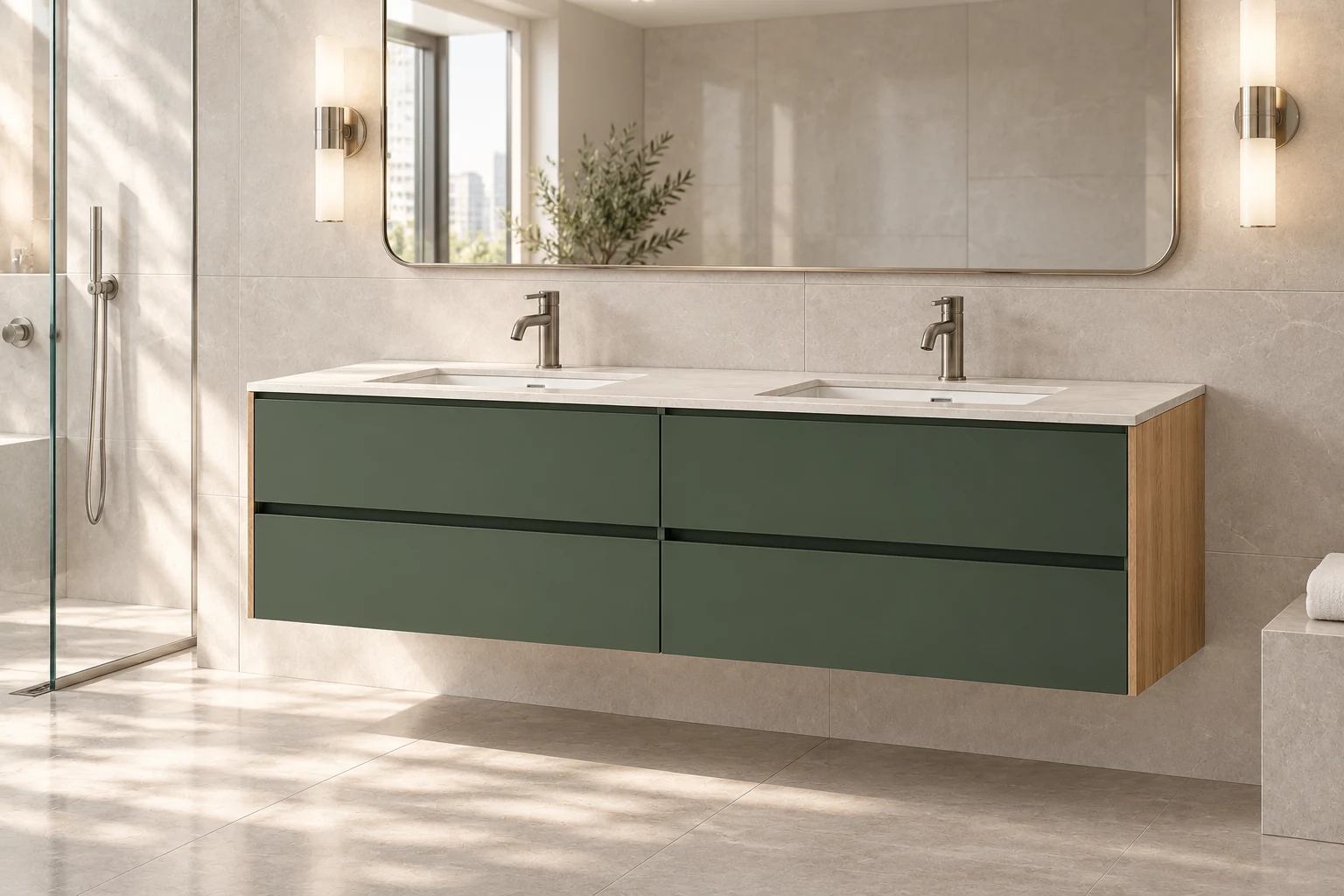
Compare the vanity in different materials and settings. Each combination shows how a product selection is reflected in the scene image.
- Product material
- Compare green and oak with walnut veneer in the same setting.
- Space and lighting
- Switch between a studio, a modern bathroom and a spa bathroom.
- Scene description
- See how your selections inform the prompt used for image generation.
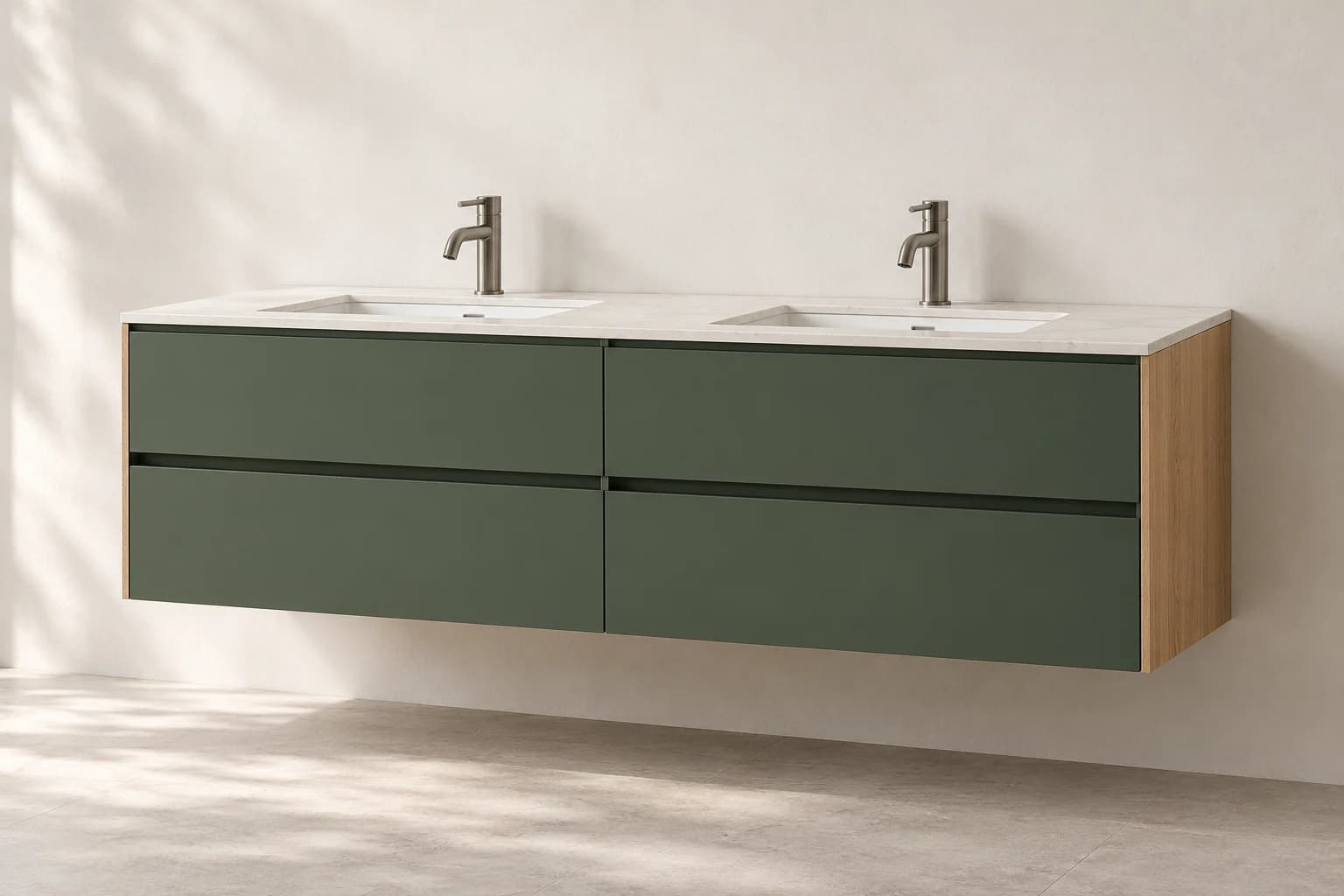
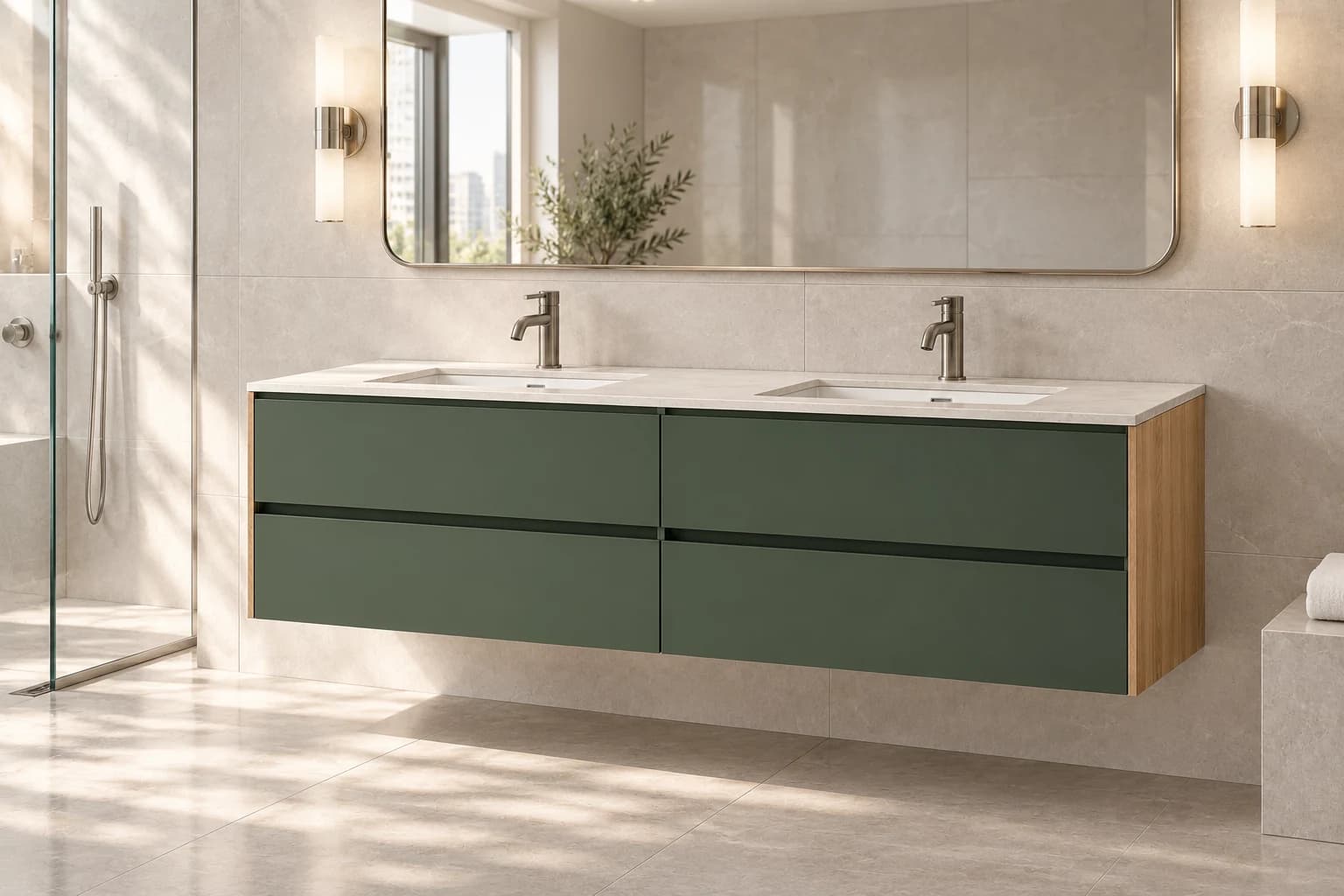
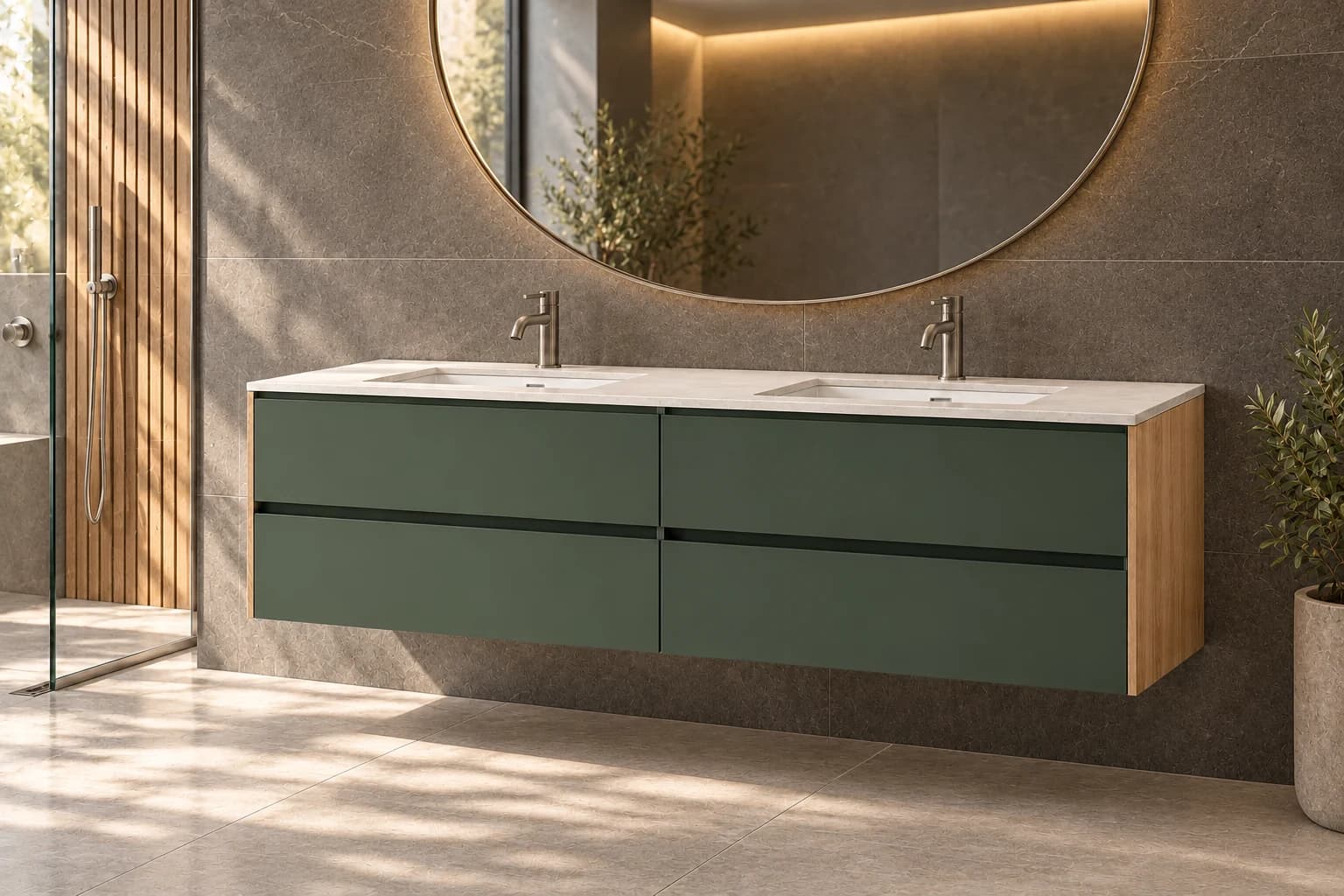
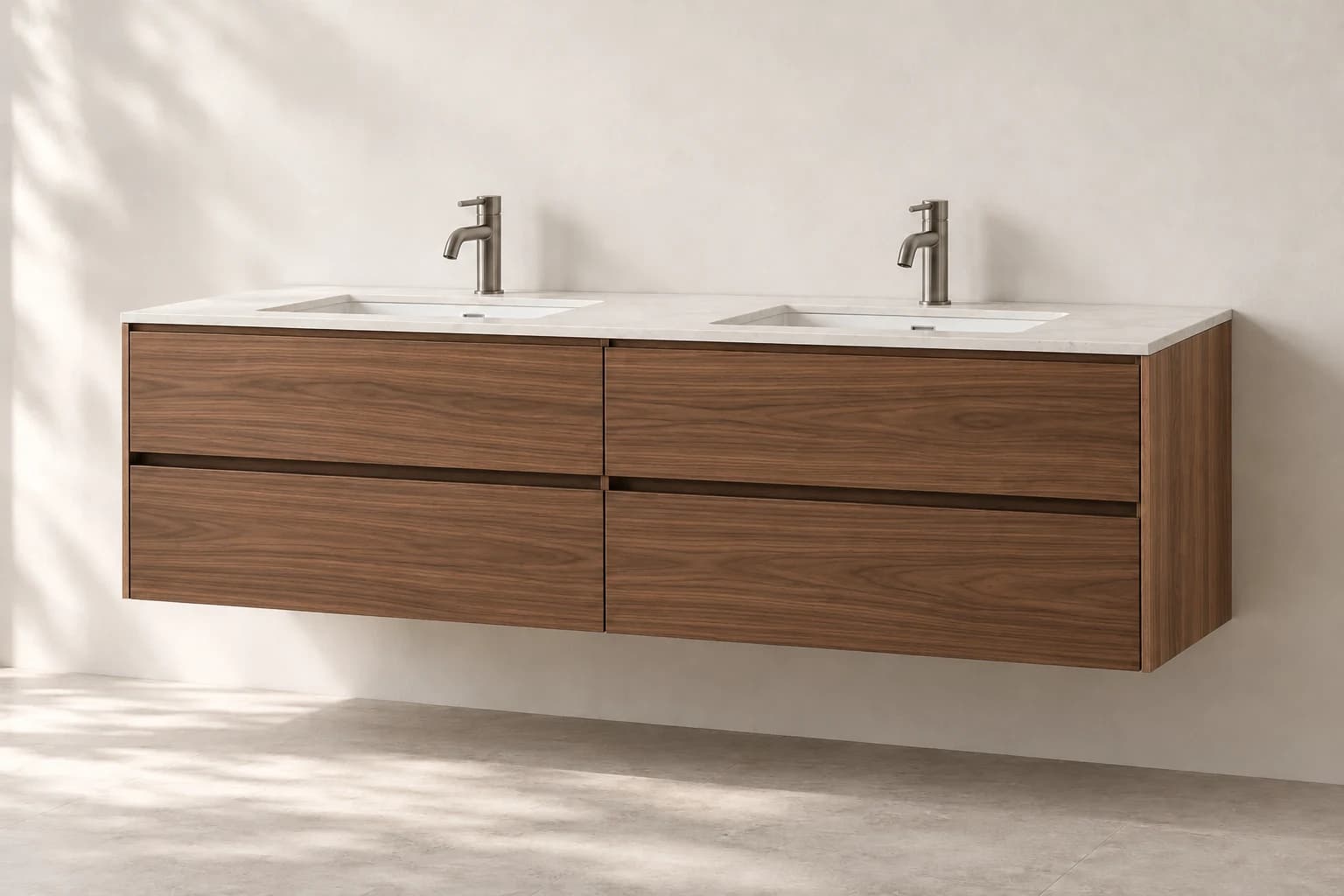
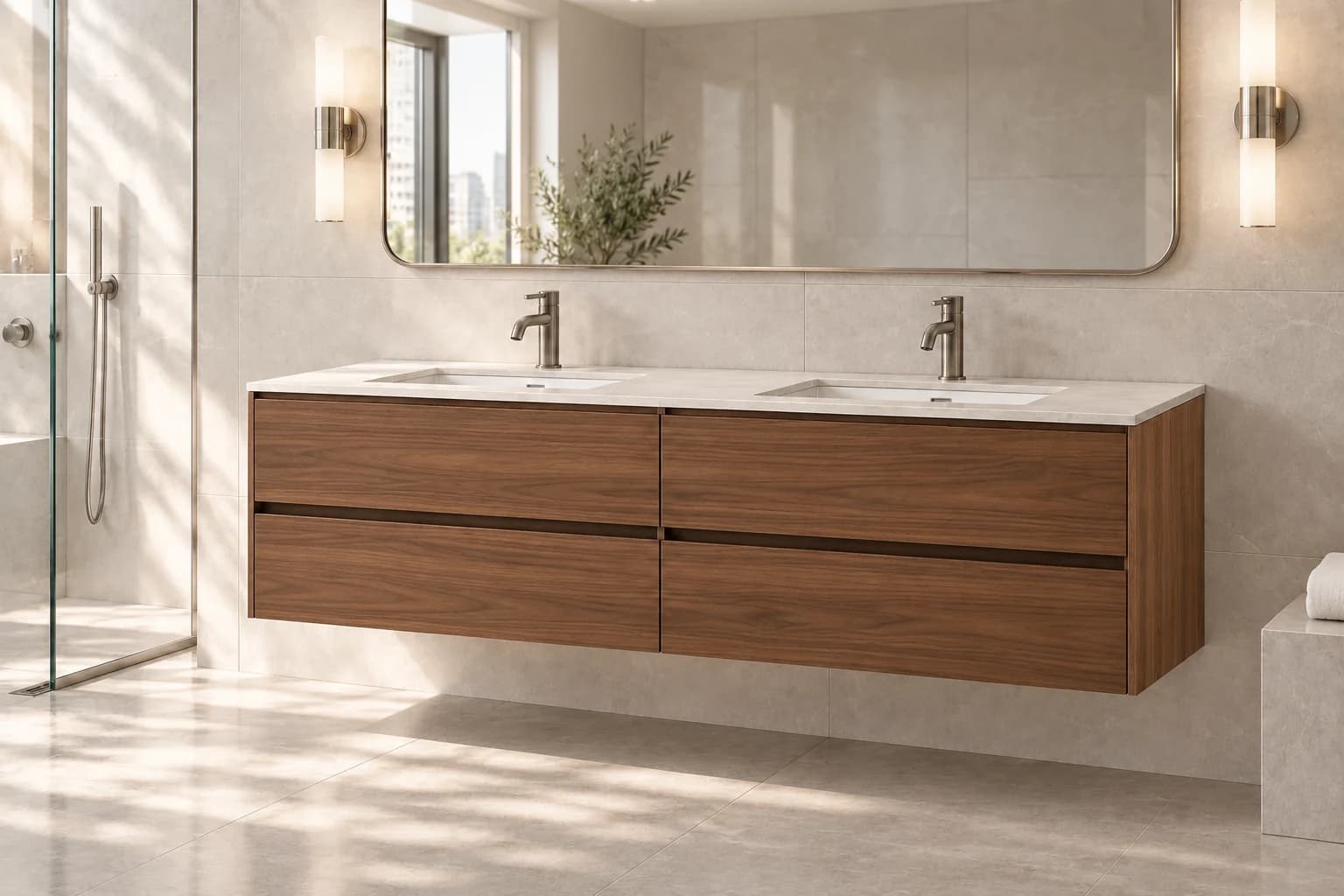
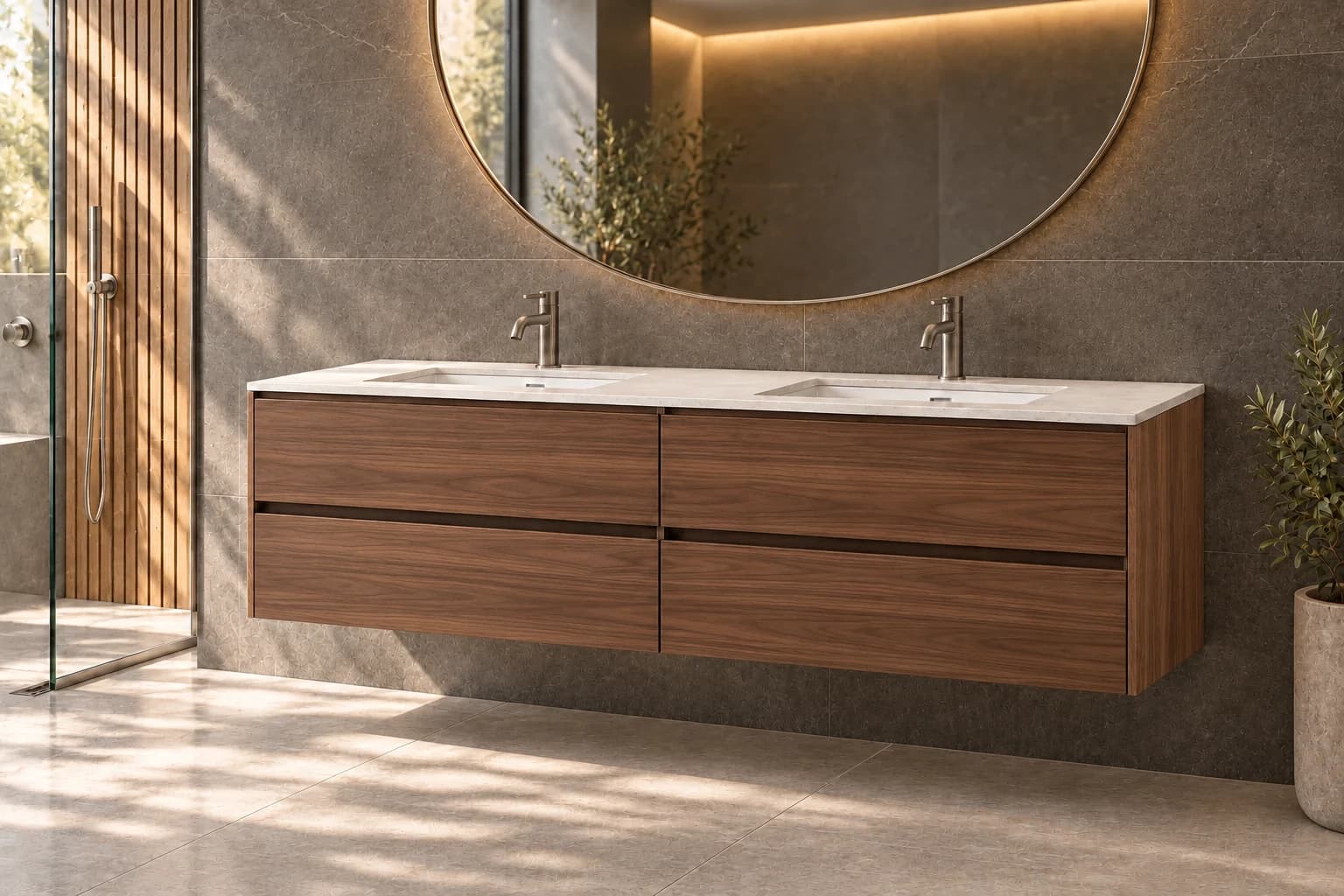
Show the vanity in a modern bathroom with pale stone surfaces and natural daylight. Preserve the green drawer fronts and oak side panels. Preserve the two-module form, white countertop and twin sinks.
From configuration to presentation
We connect product selection, scene creation and final review in one flow.
Configure the product
Complete your product and material selections in the configurator.
Create the scene
Choose or describe a setting. Your product view and selections are passed to AI Render.
Review and use
Check the product details and choose a suitable image for your presentation.
Support sales conversations with imagery
Use the same product selection in a customer presentation, on a product page or in a campaign concept.
- Customer presentations
- Prepare scenes that explain how the customer’s selected product can be used.
- Product pages
- Complement product details with imagery showing its intended setting.
- Campaign concepts
- Explore settings for different audiences and seasons.
CUSTOMER PROJECT
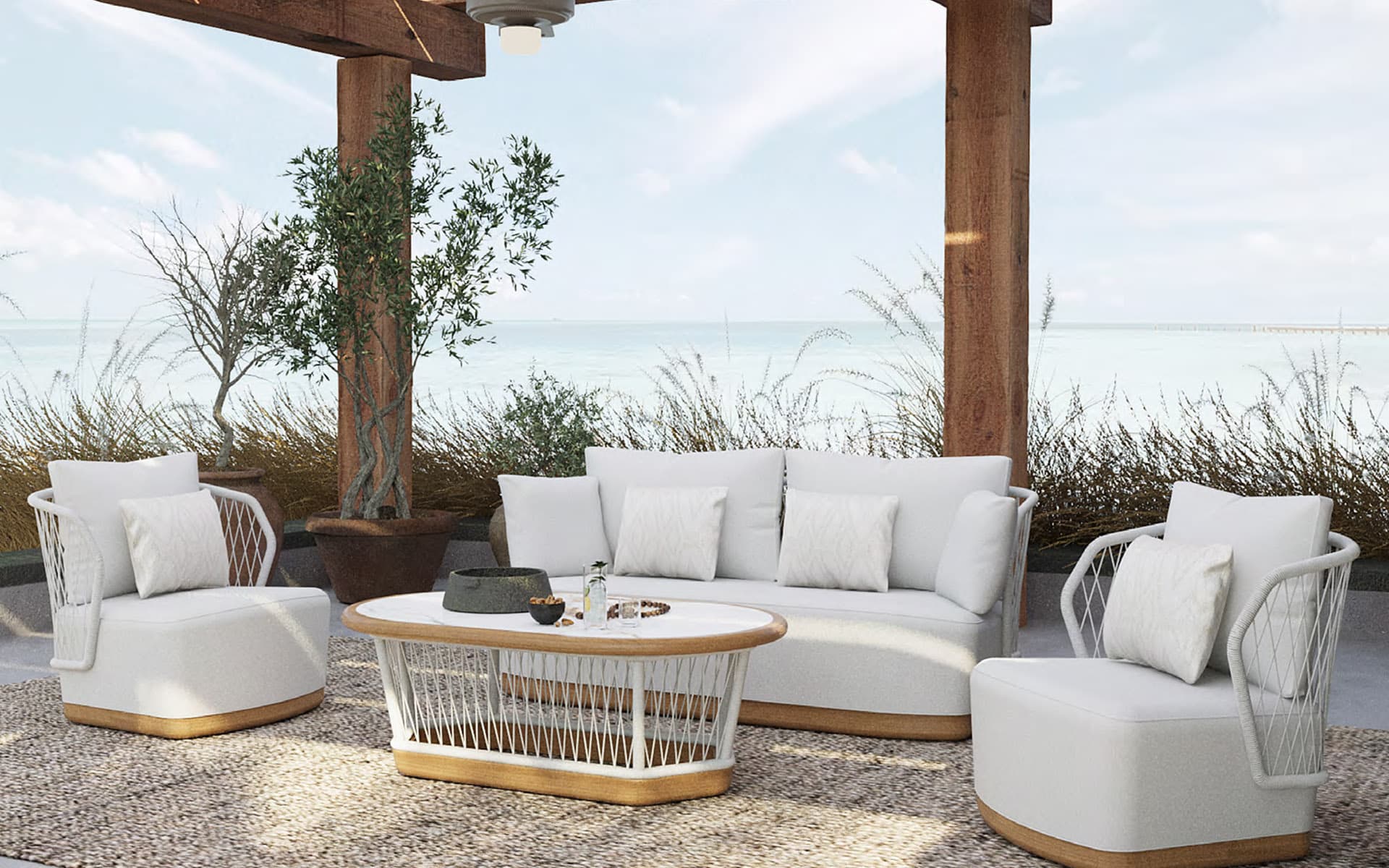
Sette Garden · Plan outdoor living together
An experience connecting outdoor furniture and colour choices with 2D/3D space planning.
The need
Help customers evaluate how outdoor furniture fits together while choosing products.
Our solution
We brought collections, product choices and colour options together in a branded outdoor planner.
The customer experience
Customers can set space dimensions and inspect the furniture arrangement in 2D and 3D.
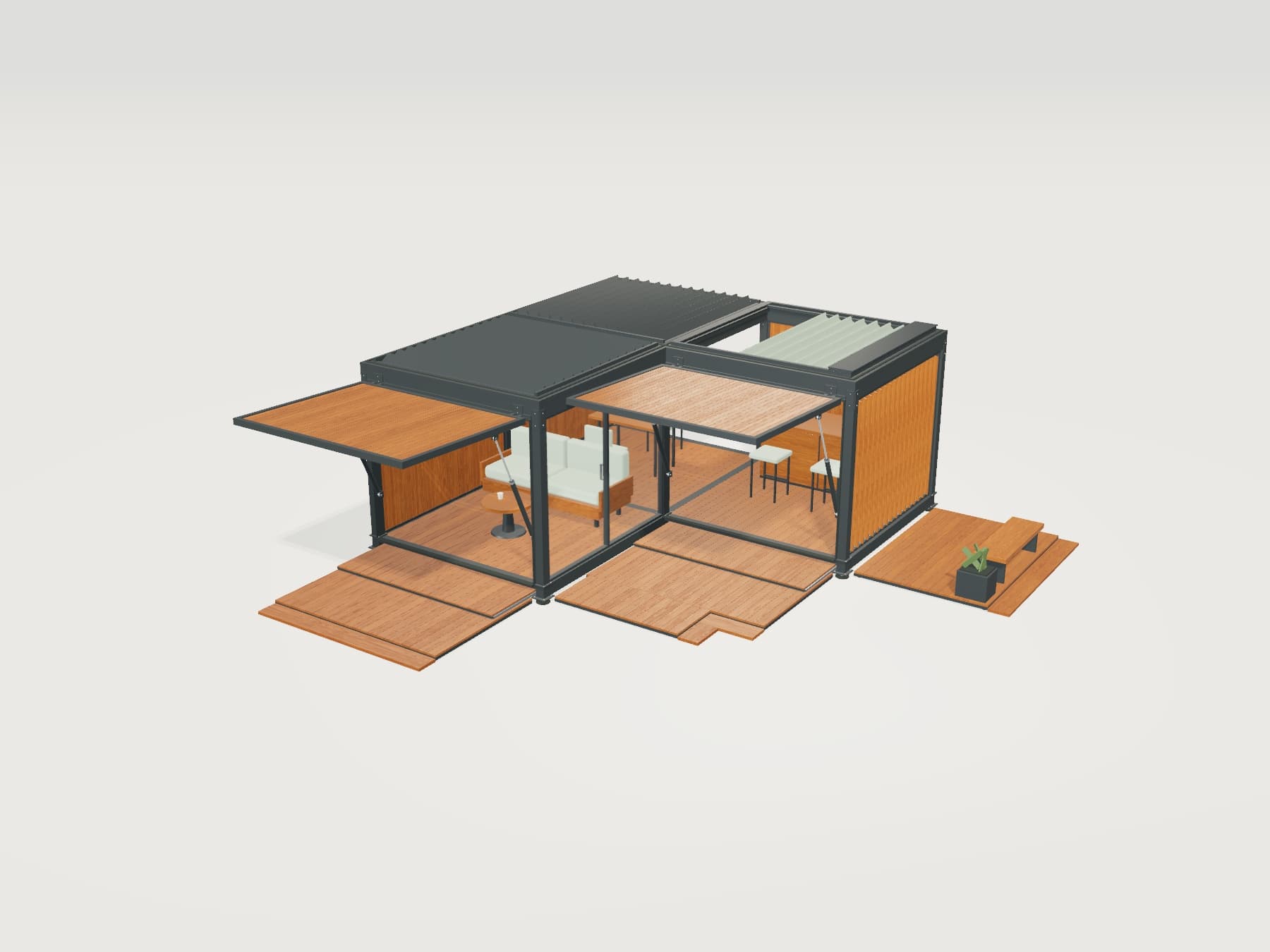
Explore the product experience yourself
Add modules, change materials and try moving parts.
About AI Render
We plan the visualisation flow around your products, scenes and output requirements.
How do we receive the images?
We define output dimensions, format and download or system transfer workflow around your use. Presentations, product pages and campaigns can use different sizes. You can download the sample on this page in WebP format.
Which products can use AI Render?
Scenes can be prepared for furniture, kitchens, yachts and boats, bicycles, building systems and industrial products. We define environments around the product’s use and the options you want to present.
How do configurator selections inform the image?
The selected configuration’s product view and relevant choices are used as references for image generation. We define the selections and camera angles to use as part of the project.
Does AI Render replace the 3D model or AR viewing?
A 3D model supports interactive product inspection, while AR shows the product at scale in a real setting. AI Render creates a presentation image within a scene. Product details in AI images are reviewed before use; dimensions and technical information remain based on the configurator model.
Are these examples generated live?
This page shows examples prepared in advance with AI. The slider and setting buttons compare these images. Generation based on customer selections, the loading flow and output options are developed for each project.
Let’s choose the right scenes for your product
Tell us about your products, their uses and your visual needs. We can plan an AI Render flow around your brand and sales process.