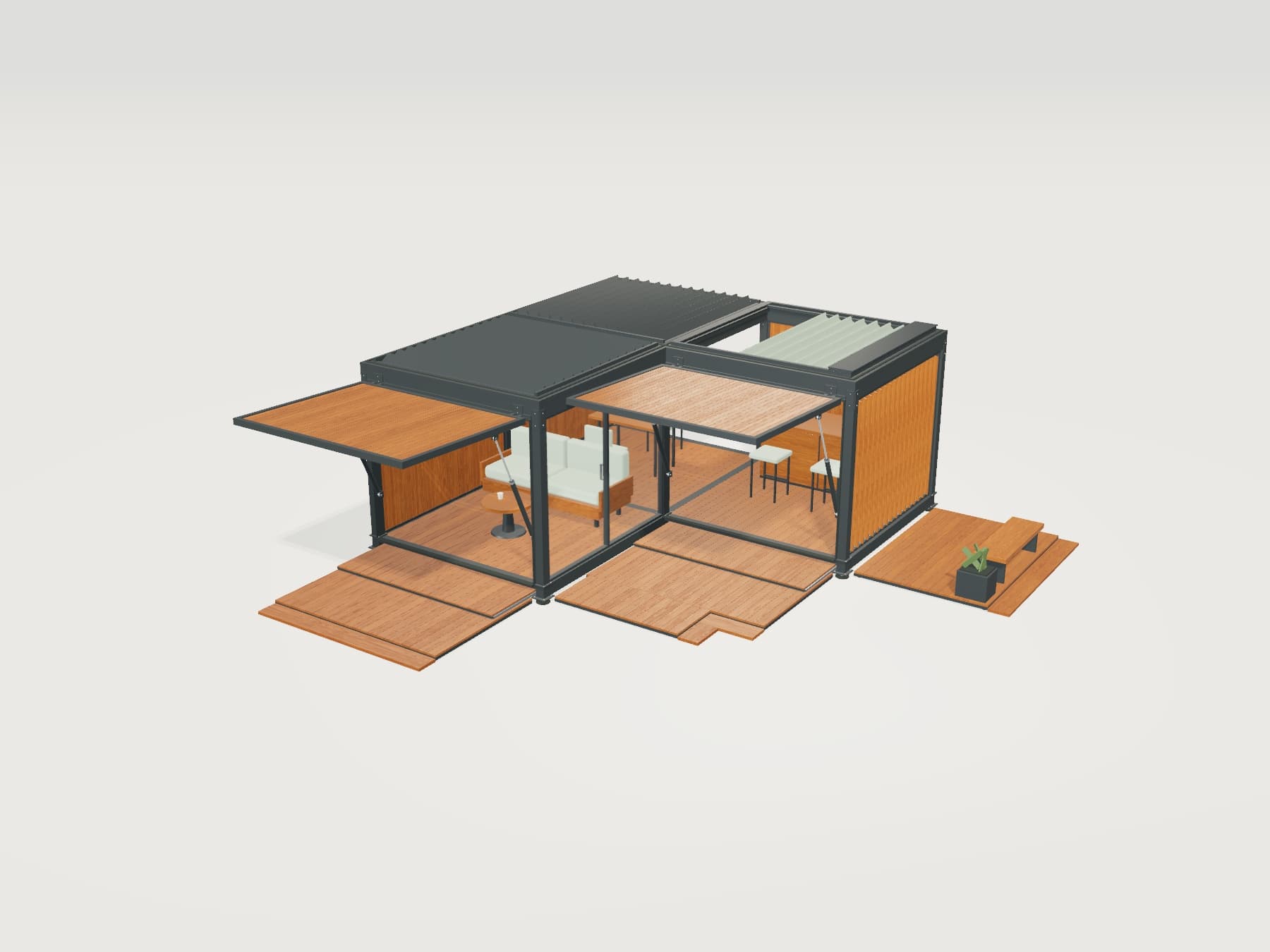




Integrations From product selection to your workflow

Send configured products to your cart and quote enquiries to your sales team. Connect product and pricing information to the systems you already use.

Product selected in Viscore
Packaging station

Touch panel · 2 m conveyor

ConfigurationVSC-024
We can build one or more connections around your needs.

Brands we work with

Which information goes where?

We connect to both established platforms and custom-built CRM, e-commerce and business software. Product, quote and order data flows follow the way your business works.

01 / E-COMMERCE

The configured product, ready for your cart

Your customer configures a product. Their selected dimensions, materials and equipment are matched to your store’s product and passed to the cart.

Information transferred
Product code, selected options, quantity and agreed pricing information.
Where does the process continue?
Orders, payments and delivery steps run through your existing e-commerce system.
Example systems
  • Shopify
  • WooCommerce
  • Magento
  • BigCommerce
  • Custom e-commerce software
Your store’s cart
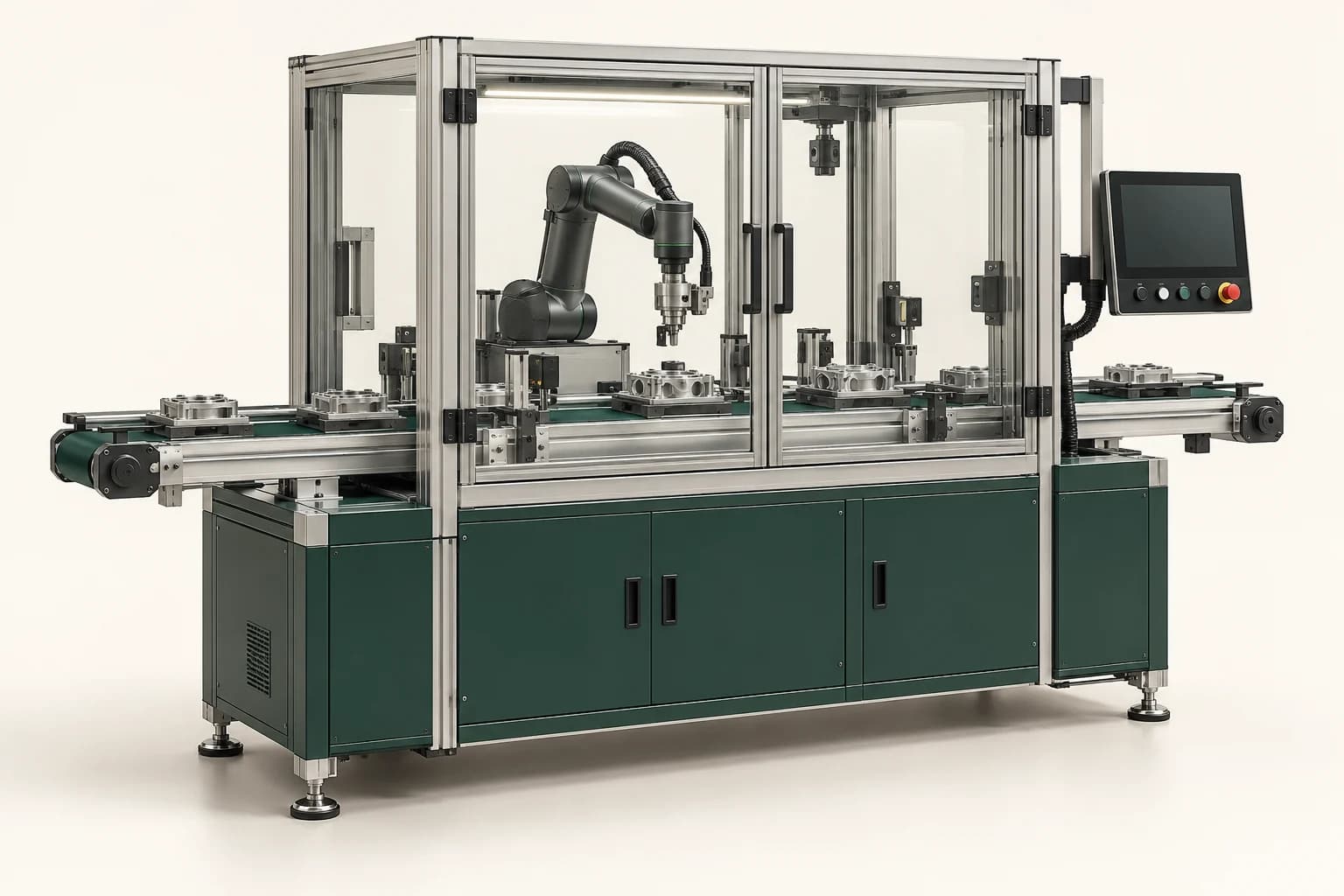
Industrial packaging station with configurable equipment optionsPackaging station

Touch panel · 2 m conveyor

Configuration
VSC-024
Quantity
1 unit
Your store’s checkout flow

02 / CRM · CUSTOMER AND SALES TRACKING

Let sales see what the customer needs

Send quote enquiries to your CRM with the selected product. Give your sales team the options they need to assess the request in the same record.

Information transferred
Customer contact details, enquiry notes and product configuration.
Where does the process continue?
Conversations, quote follow-up and assignment to a team or dealer continue in your CRM.
Example systems
  • Salesforce
  • HubSpot
  • Pipedrive
  • Zoho CRM
  • Custom CRM software
Sales enquiryNew enquiry
Customer request

“Please quote for a touch panel and a 2 m conveyor.”

Product selection linked to the enquiryPackaging station

Touch panel · 2 m conveyor

VSC-024
Assigned team
Sales team
Conversation and quote follow-up

03 / ERP · PRODUCT AND OPERATIONAL DATA

Match selections to your product data

Map configurator options to your existing product and part codes. Plan a connection that can retrieve pricing and availability and pass approved order information to your systems.

Information transferred
Product and part codes, price lists, stock or availability information and approved order details.
Where does the process continue?
Records are managed in your ERP or business system. We agree which information updates in each direction.
Example systems
  • SAP
  • Microsoft Dynamics 365
  • Oracle
  • Odoo
Mapping product codes
Selected partCode in your system
Base productPK-240
Touch panelPNL-T
2 m conveyorCNV-200
Your system → ViscorePricing and availability
Viscore → Your systemApproved order and product codes

We can connect to your custom software too

We develop integrations for CRM, e-commerce and business software built specifically for your company. We work with your software team to define the connection method and the information to transfer.

  1. Source of information

    We identify where product, pricing and customer information is managed.

  2. When to transfer

    We define whether data moves during selection, when an enquiry is submitted or when an order is approved.

  3. Testing and launch

    We test field mappings and unsuccessful transfer scenarios before preparing the connection for launch.

CUSTOMER PROJECT

Nesstra · 3D within the product page

The Meva collection’s 3D experience appears alongside product information on Nesstra’s own website.

A yellow Nesstra Home modular corner sofa in a bright living room
Nesstra Meva · 3D on the Brand Website
  1. The need

    Let customers inspect the product within the brand’s existing website.

  2. Our solution

    We presented the Meva 3D experience on the same page as product information and selection controls.

  3. The customer experience

    Customers can inspect the 3D product and continue their journey without visiting another website.

Explore the project
Viscore 3D demo with module, roof and material choices

Explore the product experience yourself

Add modules, change materials and try moving parts.

Try the 3D demoNo installation · Loads when you start

About integrations

Answers to help define your integration scope.

Do we need to replace our existing website or system?

Our priority is to work with your current infrastructure. We review its data exchange capabilities and determine a suitable connection approach.

Can you connect to our custom-built CRM or e-commerce software?

Yes. We can connect to software built specifically for your company as well as established platforms. We review your system’s data exchange capabilities with your software team to define a suitable connection method and integration scope.

Is information updated in real time?

That depends on the data and the capabilities of your system. Timing and direction are defined separately for price queries, enquiries and order transfers.

Do we need every connection from the start?

No. You can start with one need, such as sending quote enquiries to a CRM, and add e-commerce or business system connections in later stages.

What should we prepare first?

The names of your systems, the information you want to transfer and a technical contact are enough to get started. We then define access requirements and data fields together.

Let’s review your systems together

Tell us which software you use and which process you want to connect. Together, we can define what information moves, where it goes and when.