

Viscore knowledge centre
What is a 3D product configurator?
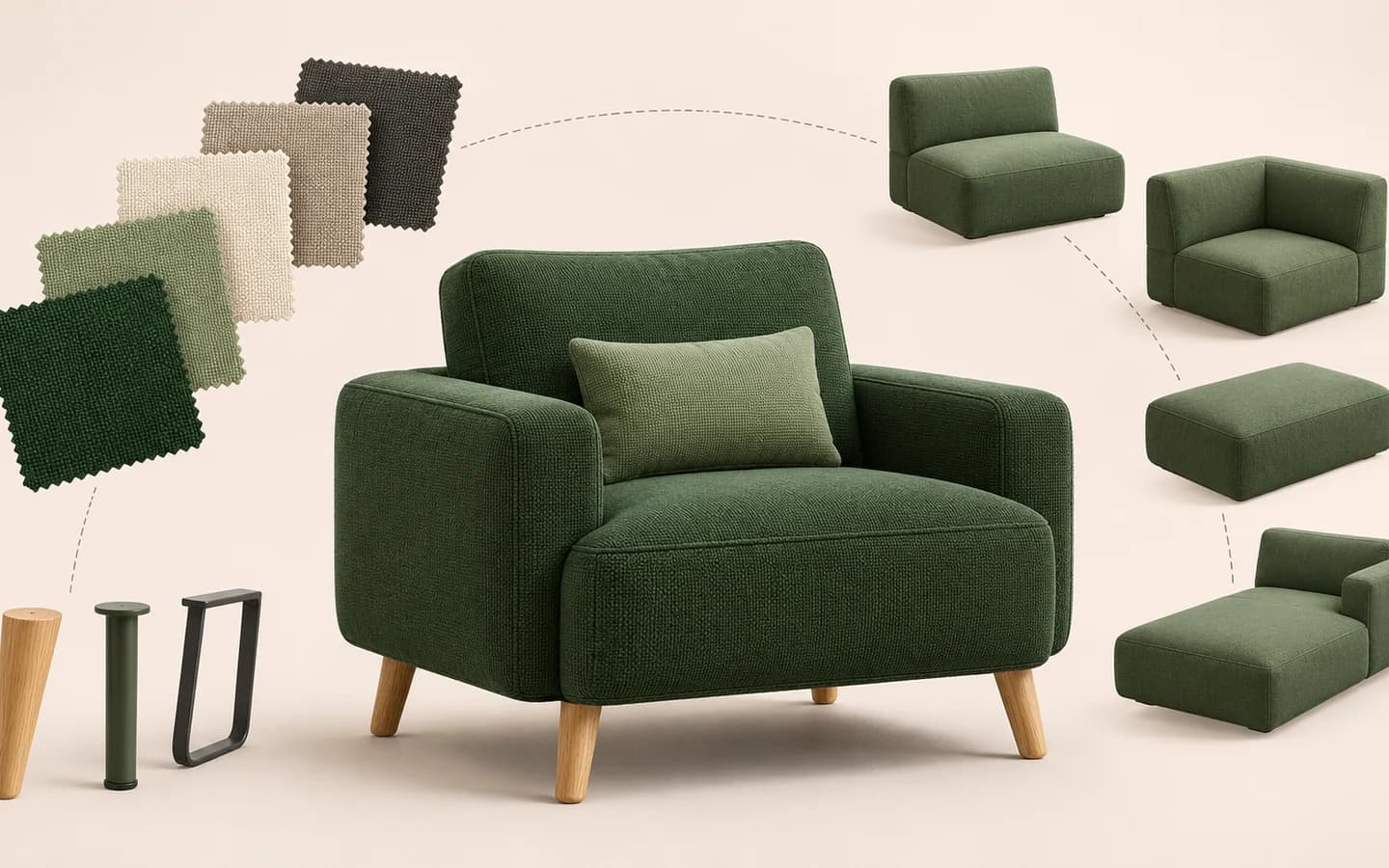
A 3D product configurator lets customers assess colour, material, dimension, module or equipment choices on a three-dimensional view of the product. A good implementation does more than swap visuals: it manages the product rules behind valid choices.
The difference between a viewer and a configurator
A 3D viewer focuses on rotating, zooming and inspecting a product. A configurator helps a user make choices that result in a valid product.
Adding a sofa module, for example, is not only a visual change. Corner direction, connection compatibility, fabric coverage, product code and pricing can all be linked to the same decision.
| Capability | 3D viewer | 3D configurator |
|---|---|---|
| Rotate and zoom | Yes | Yes |
| Colour and material | May be limited | With product rules |
| Dimensions and compatibility | Usually absent | Core scope |
| Pricing and quote | No | Can connect to CPQ |
Which products are suitable?
Look at the product’s decision structure before its industry. If a customer must make several dependent choices before buying, visual comparison can simplify the sales experience.
- Furniture with colour, fabric or finish options
- Cabinet and kitchen systems with dimensions and modules
- Boats with hull, engine, equipment and upholstery choices
- Building systems with profile, glass and opening rules
- Industrial equipment with component compatibility
What inputs does a project need?
Not every file needs to be ready for the first conversation. The product families, available choices and decisions customers need to make should still be understood.
Catalogues, drawings, photographs, CAD or 3D files, dimension tables, product codes, material references and pricing rules help the next stage of assessment.
- Priority product or collection
- Option and compatibility lists
- Existing CAD, 3D and visual references
- Target customer and sales channel
- Pricing, quotation and integration needs
Derive the decision journey from the product structure
Copying catalogue departments into a configurator menu does not always create a clear experience. Define which decision comes first, how later choices depend on it and what information helps customers compare alternatives.
Defaults prevent an empty starting state, but they should never lead customers into a combination that cannot be sold. The interface can update dimensions, compatibility, price or delivery context alongside the visual product.
- Choose the starting model or product family
- Group decisions that affect one another
- Explain why an invalid option is unavailable
- Keep the selection summary and return path visible
- Test short, one-handed steps on mobile
Plan product and content operations after launch
A configurator is not a campaign page that remains unchanged after delivery. A new fabric, retired module, revised product code or updated visual asset needs to be managed through the same product model.
Defining who requests, validates and publishes each type of change reduces inconsistency as the catalogue grows.
- Content owner for product data and visual assets
- Draft, review and publication stages
- Version behaviour for saved configurations
- Template for adding a new collection
- Channel for defects and product feedback
How should the first release be scoped?
Starting with a representative product family is often more controlled than digitising the whole catalogue at once. A first release makes it possible to validate the data model and customer journey through real scenarios.
Define success measures before launch. Completed configurations, quote requests, correct product codes, mobile usability or sales preparation time can carry different priorities in different projects.
3D configurator vs CPQ: what is the difference?
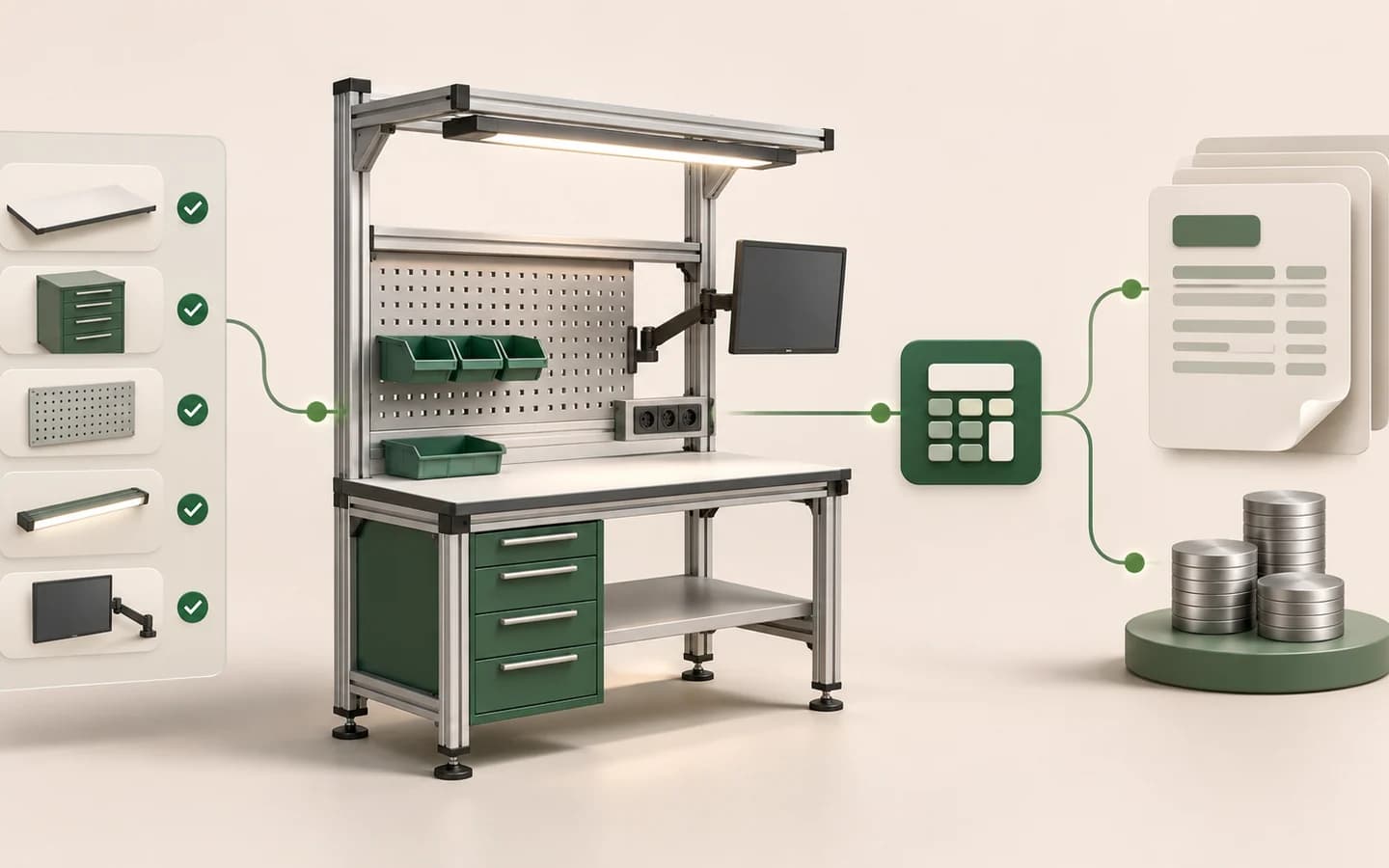
Understand the difference between 3D product configuration and Configure, Price, Quote (CPQ), and how the two layers work together.
Read the guide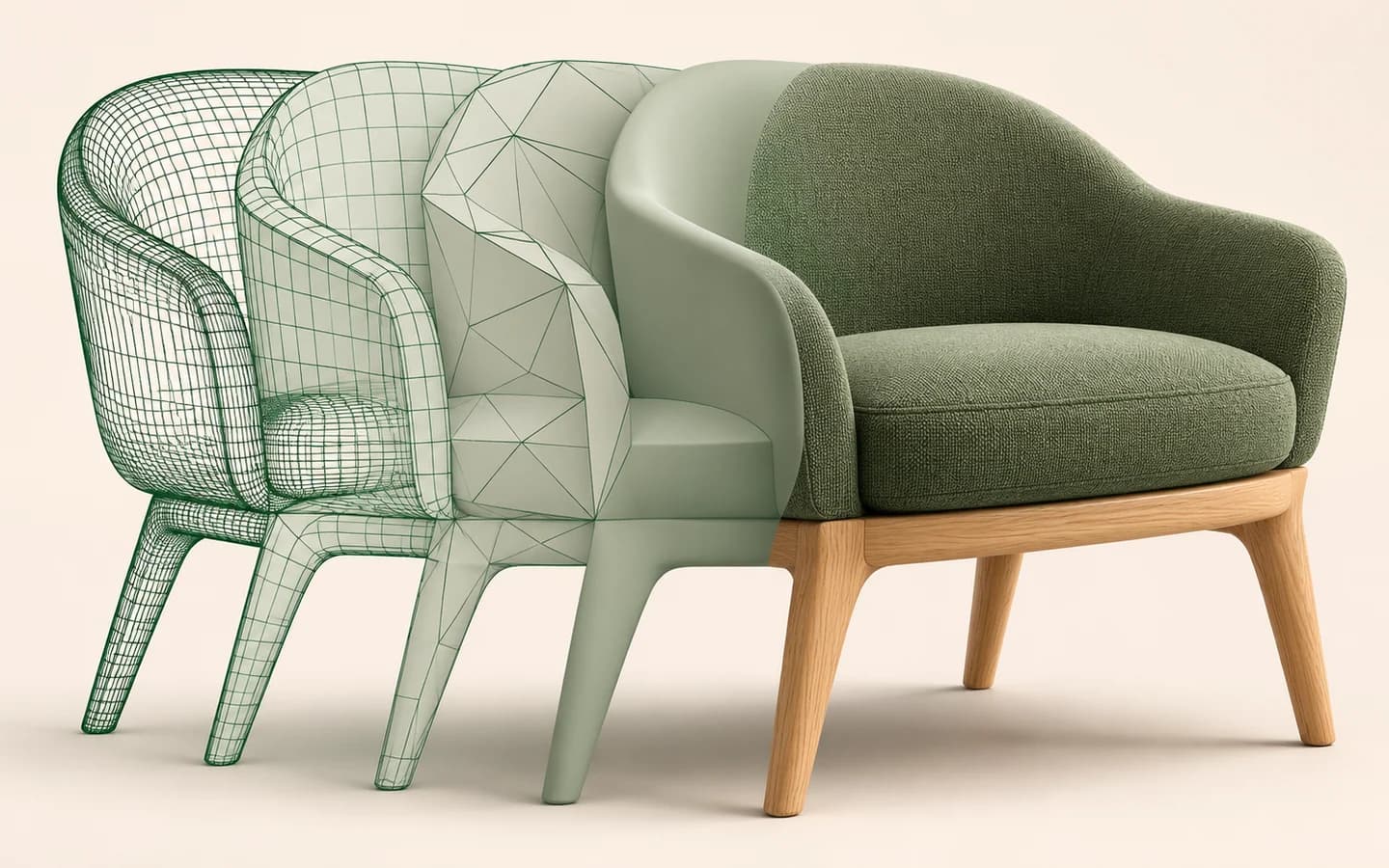
How to prepare CAD and 3D files for a web configurator
Review part structure, geometry, materials, scale, optimisation and validation when preparing CAD and 3D models for a web configurator.
Read the guide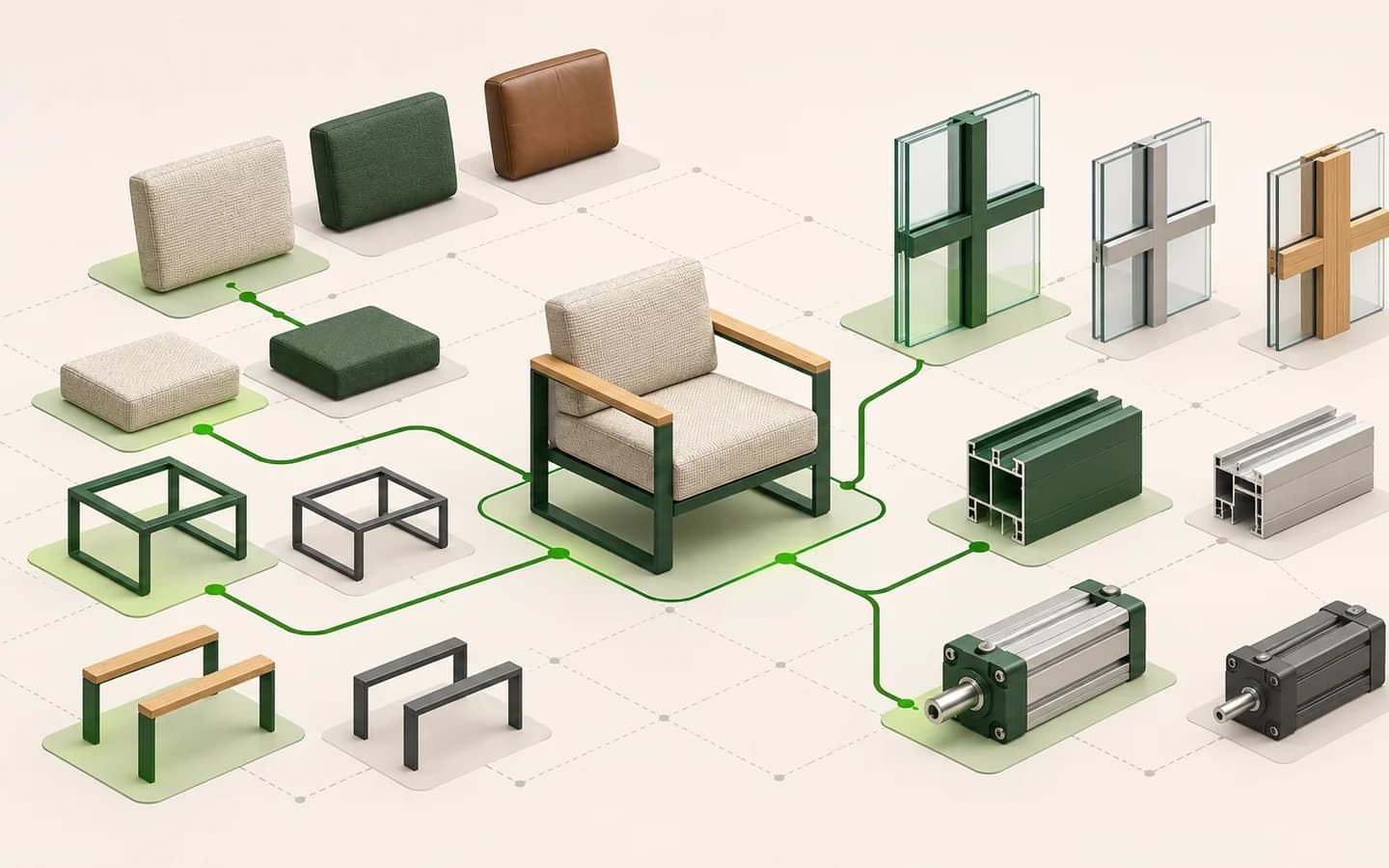
Product-rule examples across industries
Explore configuration-rule examples for furniture, yachts, building systems, kitchens, storage and industrial products.
Read the guide