

Viscore knowledge centre
3D configurator vs CPQ: what is the difference?
3D configuration makes product choices visible. CPQ connects a valid configuration to pricing and quotation rules. They can work together, but they do not solve the same problem.
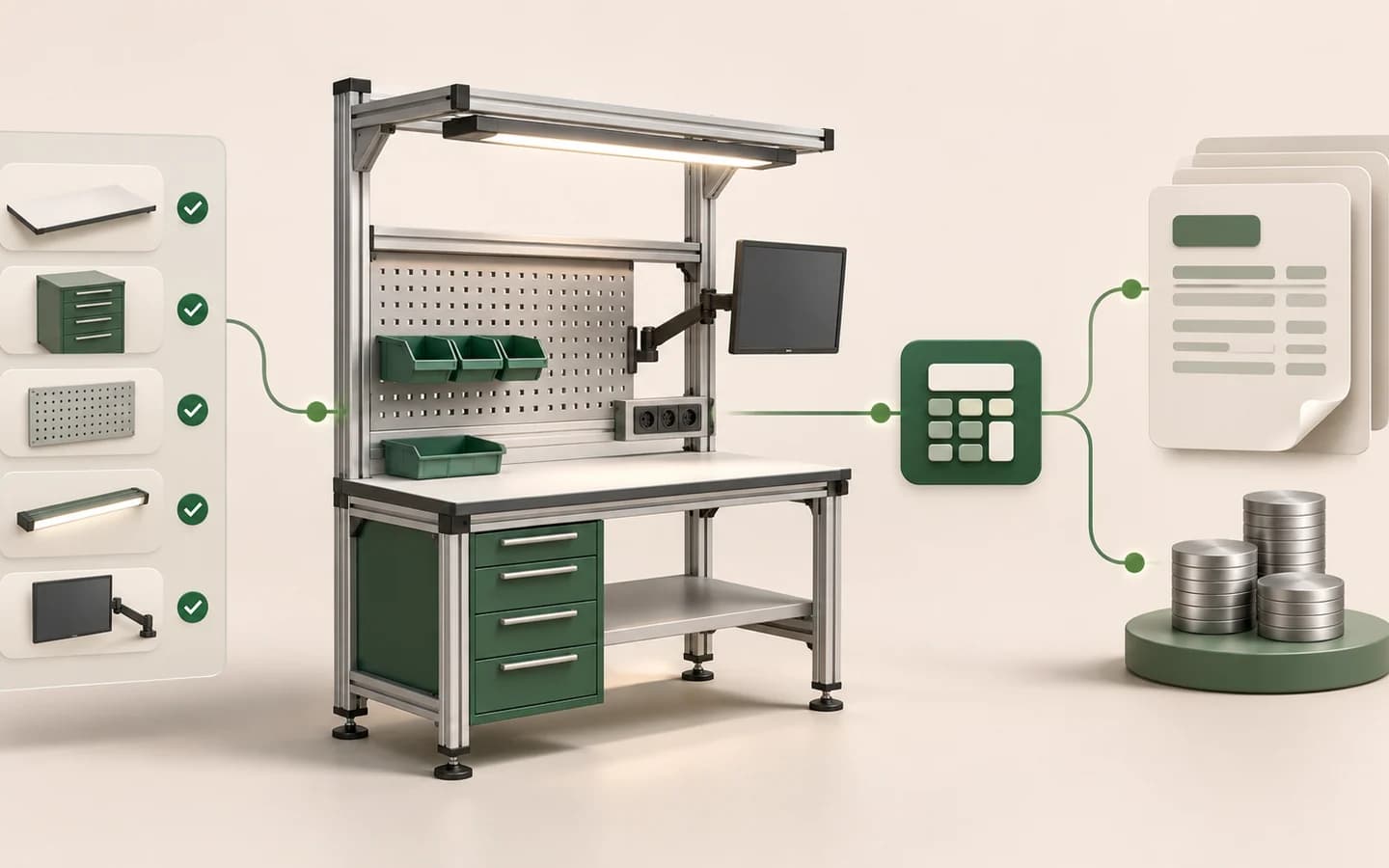
What do Configure, Price and Quote mean?
Configure determines whether selected dimensions and components can form a valid product. Price applies lists, formulas, material differences, customer groups or currencies. Quote turns the selection into a readable summary, PDF, email or CRM record.
- Configure: options, dependencies and product codes
- Price: lists, formulas, discounts and tax rules
- Quote: summary, validity, approval and sales follow-up
When is 3D enough, and when is CPQ needed?
3D selection may be enough when the goal is product exploration. CPQ becomes relevant when the project must show prices, send a structured sales request or apply dealer terms.
| Need | 3D | CPQ |
|---|---|---|
| See material and modules | Required | Optional |
| Prevent invalid choices | Product rules | With commercial rules |
| Live pricing | Can display | Calculates |
| Quote and approval | Passes the selection | Manages the process |
Define the source of pricing data
Keeping prices inside the configurator, retrieving them from ERP or using a dedicated pricing service creates different maintenance responsibilities. The source of truth and update frequency must be explicit.
Dealer and customer-group pricing also requires permissions. Showing the same public price to everyone is not the same integration as applying terms for an authenticated dealer.
Treat pricing as more than one total
A price can combine a base product, dimensions, material grade, options, quantity, currency, tax, discount and delivery. The order in which those parts are calculated matters as much as the final number.
An estimate shown to a visitor may differ from a binding quote approved by sales. State what the displayed price includes, whether tax applies, how long it remains valid and which choices have not yet been calculated.
| Component | Example decision | Source of truth |
|---|---|---|
| Base price | Model or product family | ERP / price book |
| Option adjustment | Material and equipment | CPQ rule |
| Customer terms | Dealer group and discount | CRM / permission |
| Tax and delivery | Country and fulfilment | Commercial system |
Define discounts, approvals and version behaviour
A discount level, margin threshold or made-to-order option may require approval. Instead of returning a generic error, the flow should show the request status and who needs to act next.
When a price book changes, open quotes should not silently recalculate. Store the price version, validity date and conditions for repricing.
- Price and discount visibility by role
- Approval thresholds by margin or amount
- Quote validity date
- Currency and price-book version
- Revision history and differences from the previous quote
Carry the selection into the sales process
A quote request should contain more than a total. Product codes, dimensions, materials, equipment, a preview and a configuration identifier help sales teams review a request without rebuilding it.
Approval, validity, tax and delivery may remain in the existing sales system. Define clearly where the configurator ends and the CRM or ERP process begins.
Rehearse an end-to-end CPQ scenario
Before launch, take a representative customer request from product selection to an approved quote. Check not only the calculated total but also whether sales can open, revise and return the request to the customer.
This rehearsal exposes missing codes, unauthorised discounts, expired prices and reopened configurations.
Sources and further reading
- Salesforce — What is CPQ?
Official overview of the Configure, Price and Quote layers.

What is a 3D product configurator?
Learn how a 3D product configurator works, which products it suits and what product data and content a project needs.
Read the guide
A configurator integration checklist
Plan data ownership, product codes, prices, quotes, security and failure handling when connecting a configurator to commerce, CRM and ERP systems.
Read the guide
How to measure the return on a 3D configurator
Measure a 3D product configurator through conversion, quote time, order value, returns and operational metrics with a responsible evaluation framework.
Read the guide