
Product information
Your catalogue, dimensions, materials and equipment options form the basis of the responses.
 TRLet’s talk
Let customers describe their needs, find suitable options and adjust their product through conversation. We build the assistant around your product information, options and selection rules.
 Viscore Assistant
Customer: Add a kitchen island. Use green cabinets and a pale stone worktop.
Your approved island, cabinet colour and worktop have been applied.
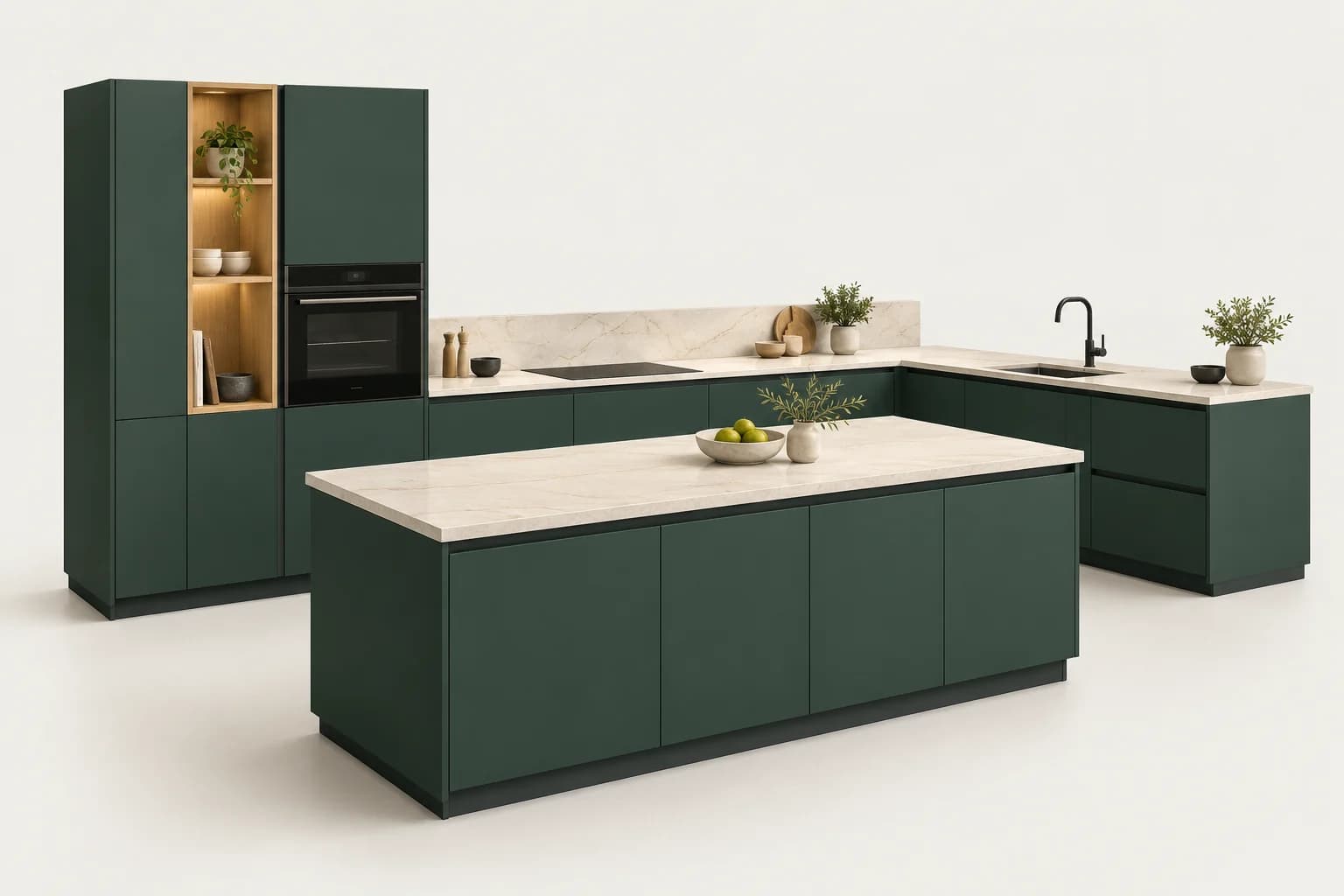





GUIDED SELECTION
Customers do not need to know every product option. The assistant clarifies their intended use, explains relevant alternatives and helps them choose.
Customer: I need more preparation space in the kitchen.
Viscore AssistantWe can add a compatible kitchen island. Let’s establish the available dimensions to preserve circulation space.
CONFIGURATOR CONTROL
Connect conversational choices to the product’s appearance and structure. Module, material and movement commands work on the same configuration.
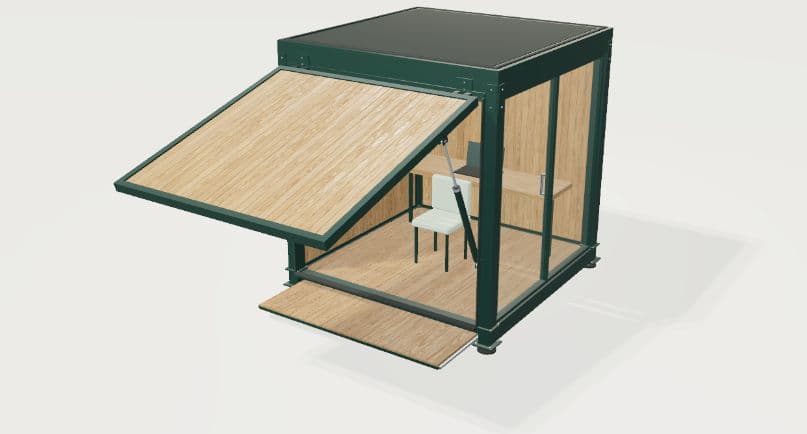
Choose a command and inspect the change in 3D.
Drag to rotate; pinch to zoom. Keyboard: arrows and + / −.
We define the information the assistant can provide and the changes it can make as part of your project.
Your catalogue, dimensions, materials and equipment options form the basis of the responses.
Suggested changes are checked against the configurator’s compatibility and dimension rules.
Together, we define clarification questions, confirmation steps and handoff to your sales team when needed.
CUSTOMER PROJECT
A table configurator presenting tabletop shape, finish and leg options on the same product.

Present tabletop, finish and leg options in an understandable selection experience.
We organised product-specific choices in a configurator where customers can see their preferences on a 3D model.
Customers can examine how the options look together and create their table design.
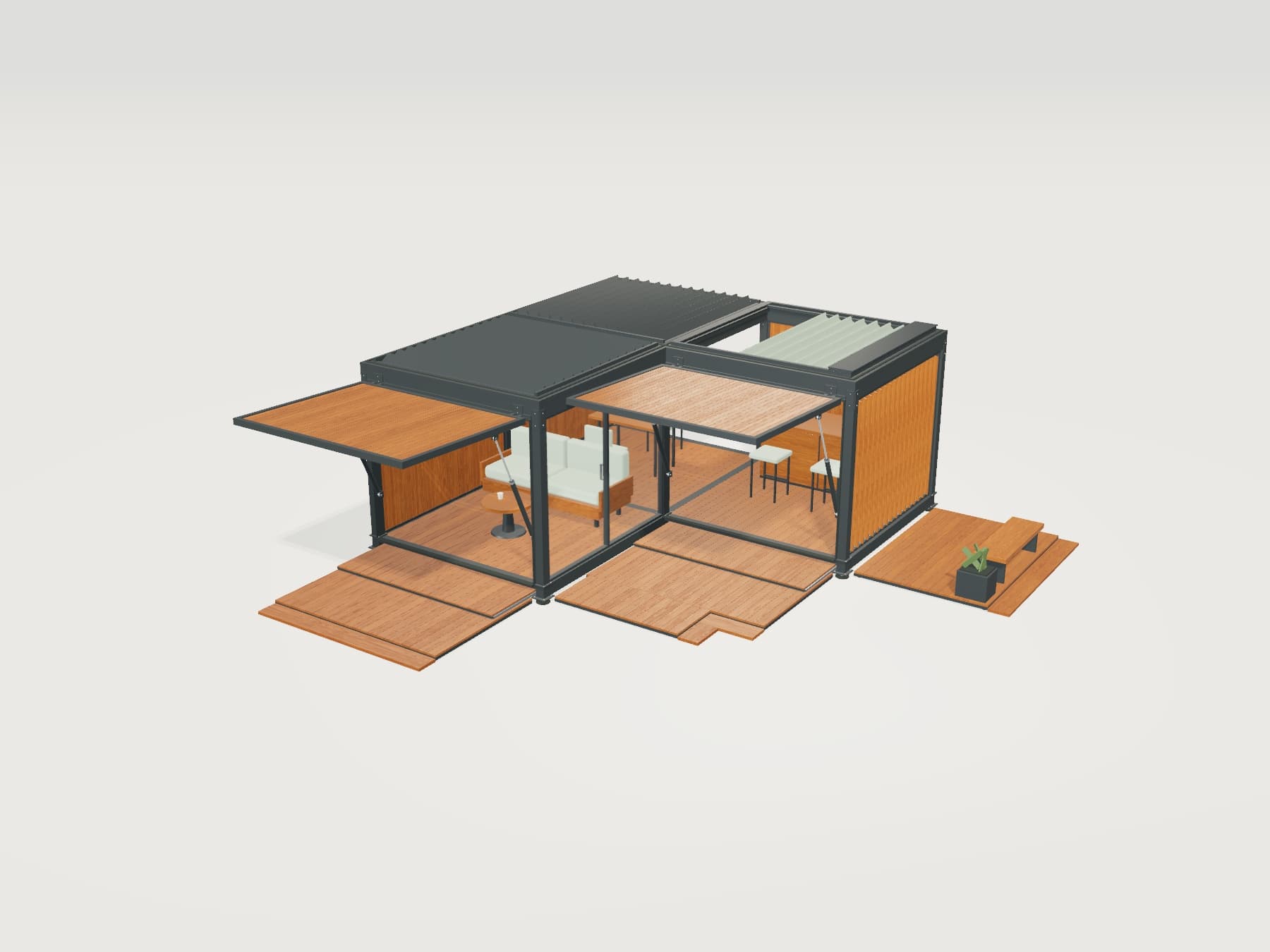
Add modules, change materials and try moving parts.
We define the assistant’s scope around your products and customer experience.
Alongside explaining product options, it can apply supported changes to the configurator. Available actions, confirmation steps and undo behaviour are defined as part of the project.
It can be adapted to furniture, yachts and boats, bicycles, building systems or industrial products. Information, options and compatibility rules are defined for each product.
We review your catalogues, product options and any existing data connections. Together, we plan which sources to use and how updates will reach the assistant.
The 3D example on this page uses preset commands without a live AI connection. Free-form conversation, access to product information and command interpretation are developed for each project.
Share the questions your customers ask and the changes they want to make. Together, we can define the assistant’s scope.